

Install Plauti Deduplicate for Dynamics 365
Plauti Deduplicate for Dynamics 365 is available for download in the Microsoft AppSource.
Prerequisites
- Make sure you have the Power Automate license.
Installing DC for Dynamics 365
To install Plauti Deduplicate for Dynamics 365, follow these steps:
In AppSource, search for Plauti Deduplicate for Dynamics 365 and select the app, or simply click this link.
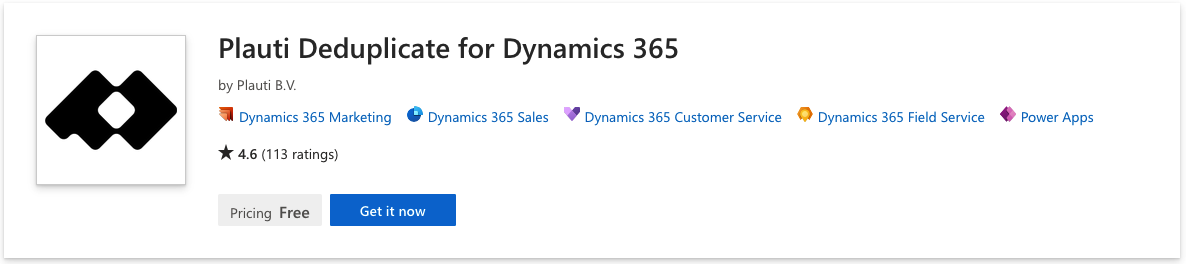
Click Get it now.
You are taken back to Dynamics where you can select your environment.
In the Installation confirmation window, click Install.
Keep track of the installation process in the Solutions overview.
After installation completed, there are some configurations in Dynamics 365 needed before you can start using Plauti Deduplicate. Please continue in Configure your Power apps for Plauti Deduplicate.