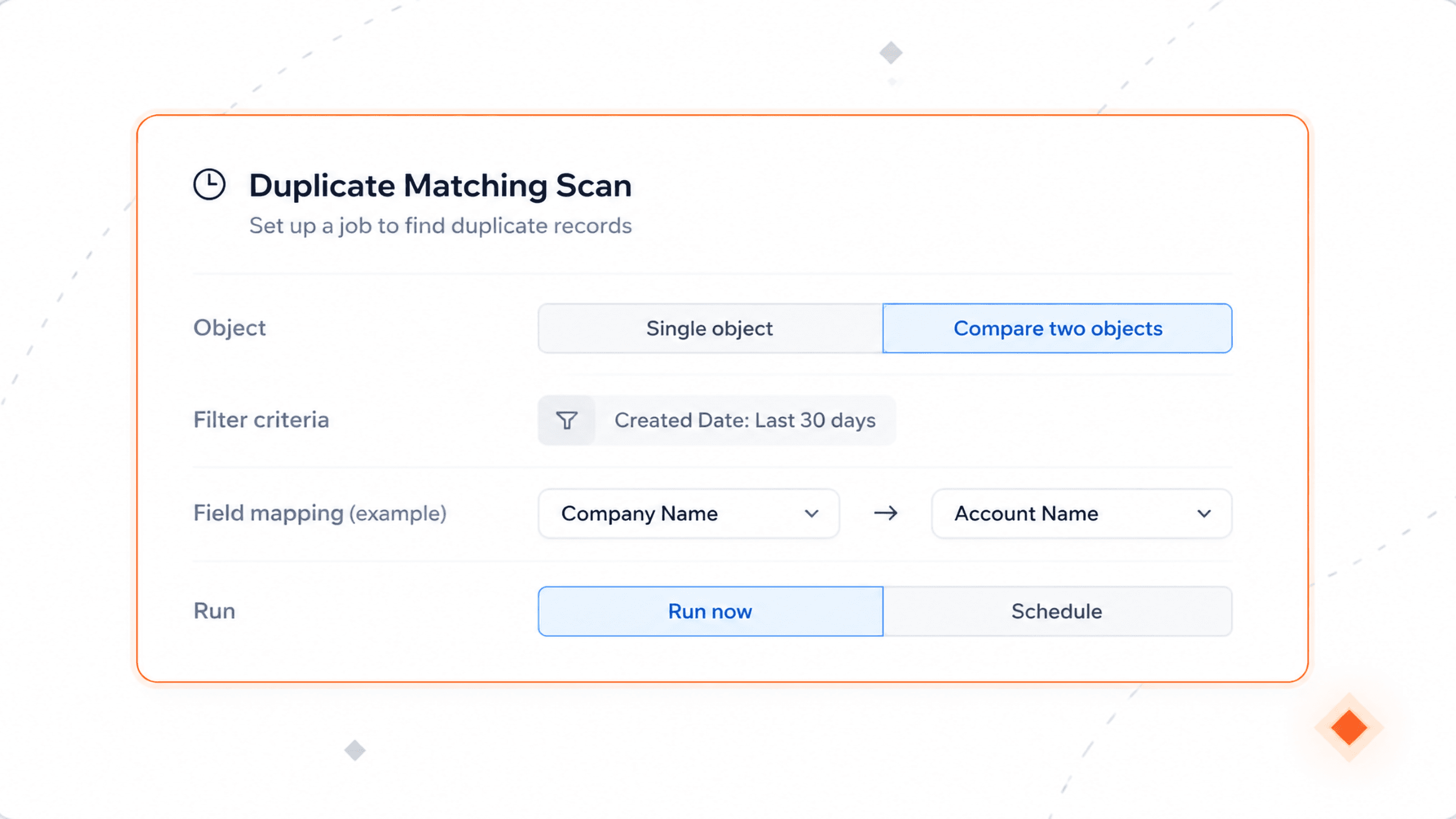
One object, or two against each other
Pick what to scan, filter it down, run it now or on a schedule. Comparing two objects? Map the fields that should match.
A job scans your objects. It groups the records that match. Each pair shows a score and the fields that matched. Your rules decide which record survives. They also decide which values carry over.
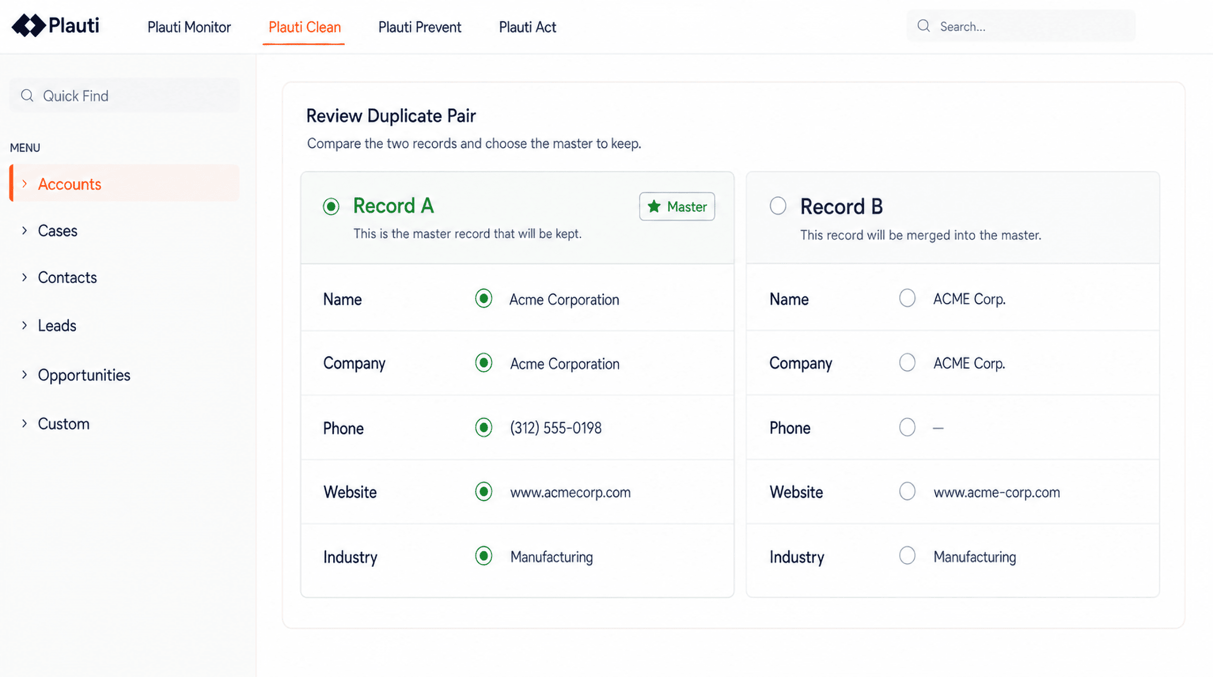
What counts as a duplicate, what survives the merge, and how much runs without a person — set per object.
You pick the fields to compare, whether each is matched exactly or fuzzily, what each is worth, and the score that makes a pair a duplicate. Fuzzy matching absorbs typos and name variants, synonym lists equate Robert with Bob, and frequent words like Ltd or University stop skewing the score. Records already linked as parent and child are kept out of each other's results.
A master record rule picks the survivor: oldest, most complete, most attachments, or a field you name. Field rules then decide each value, and blanks only win where you allow them. On a manual merge, AI can suggest which value to keep and say why.
Above the score you set, groups merge on their own — in a scheduled job, or on results you have reviewed. Everything below it waits for someone.
Pick what to scan, filter it down, run it now or on a schedule. Comparing two objects? Map the fields that should match.
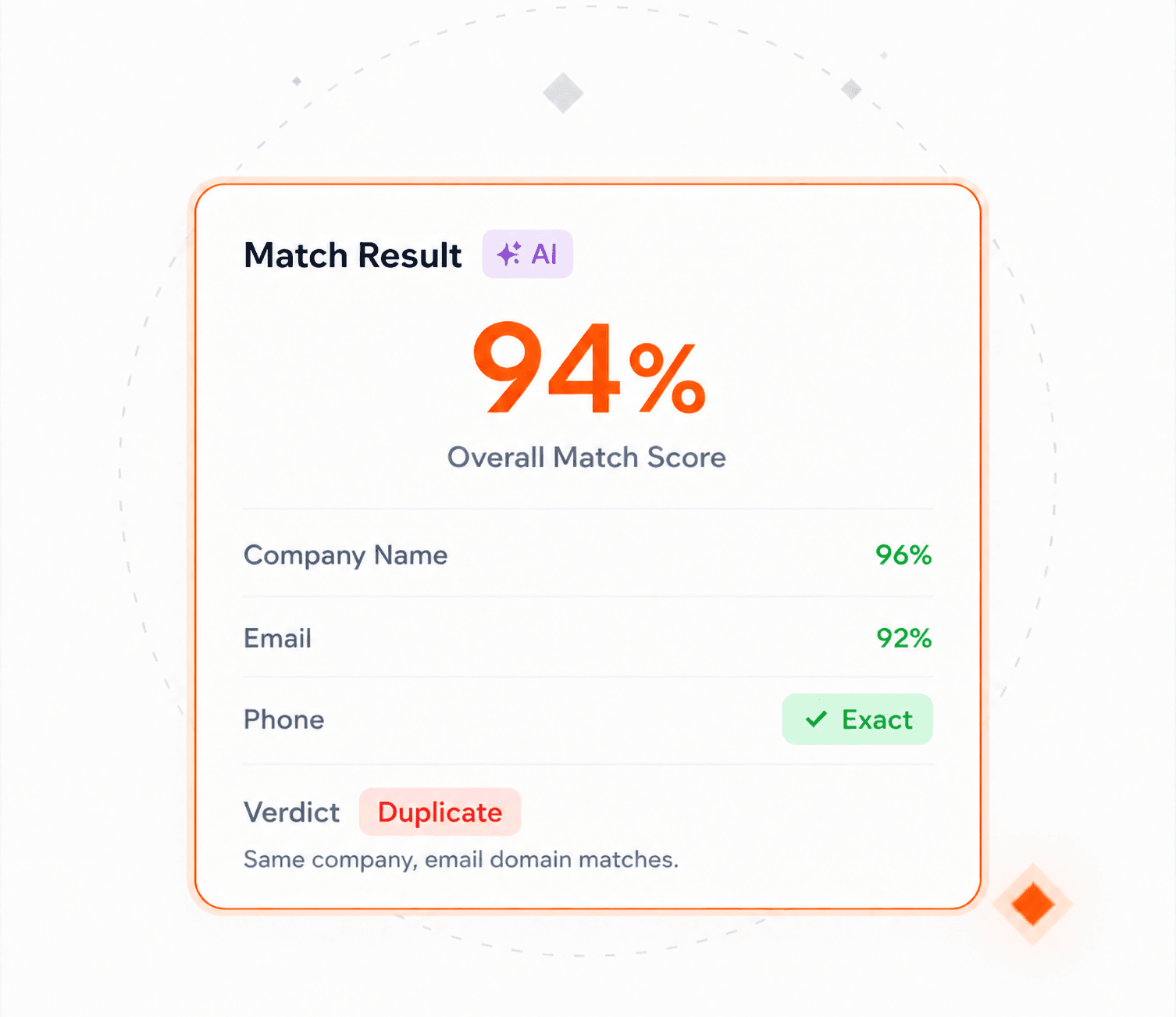
Every match comes with its score and the fields that produced it. Add AI and each pair also gets a verdict — Duplicate, Unique or Uncertain — with the reason.
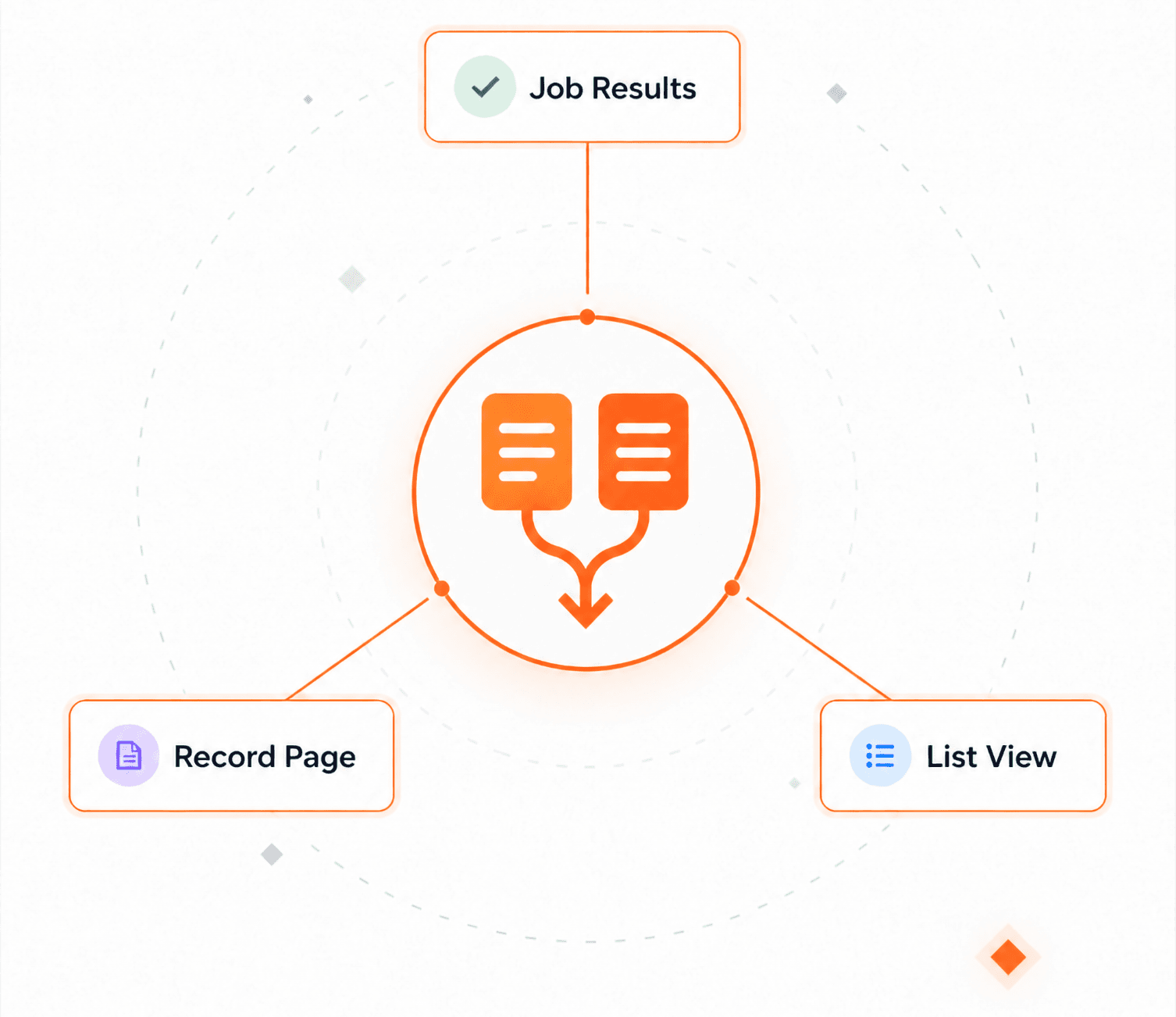
From the job results, the record page, or a list view — even records the matching never flagged. Compare a whole group side by side, one-click it on your rules, or convert a record into the one it duplicates.
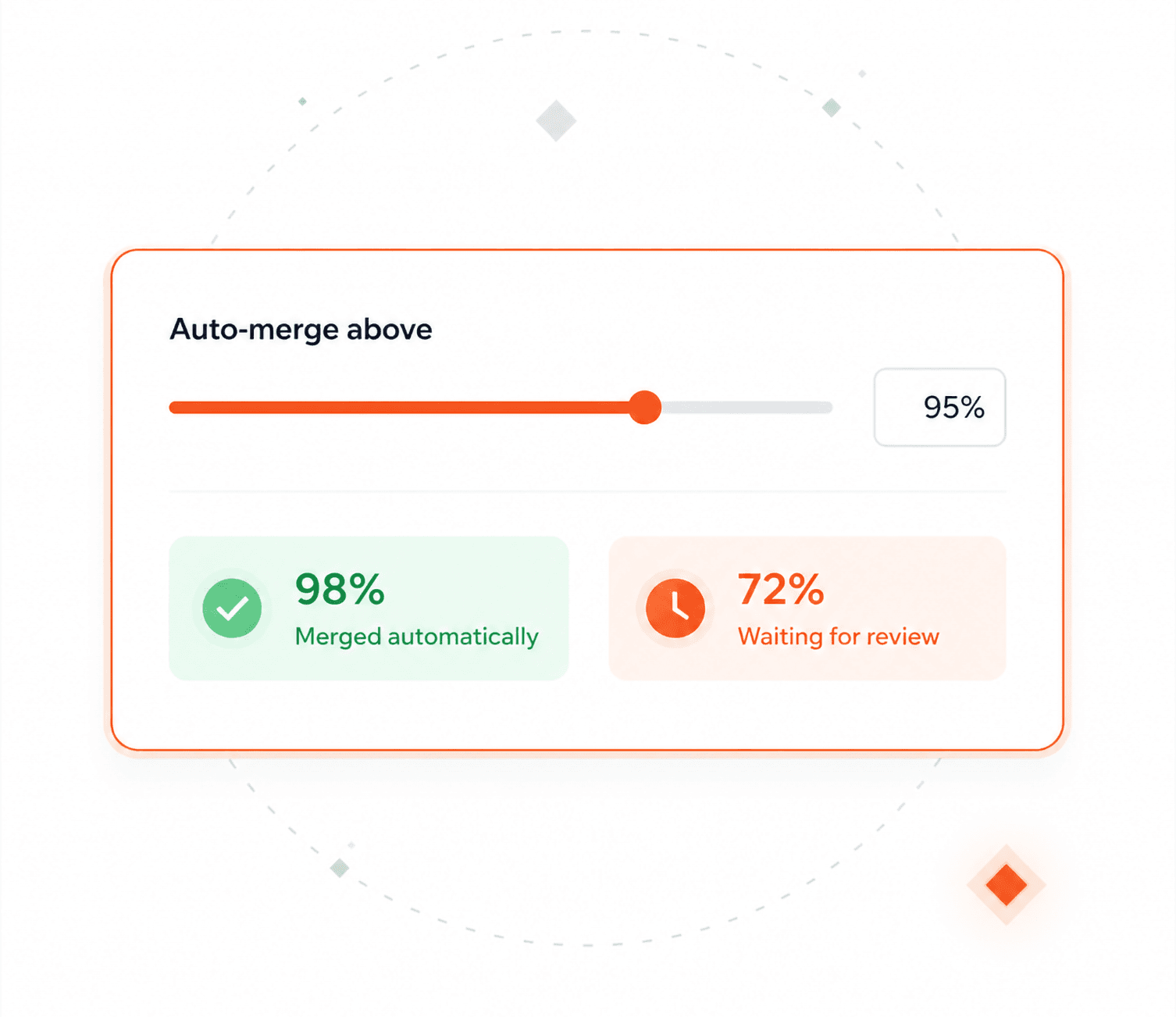
Set the score a group needs to merge or convert without review. Everything else waits for a person.
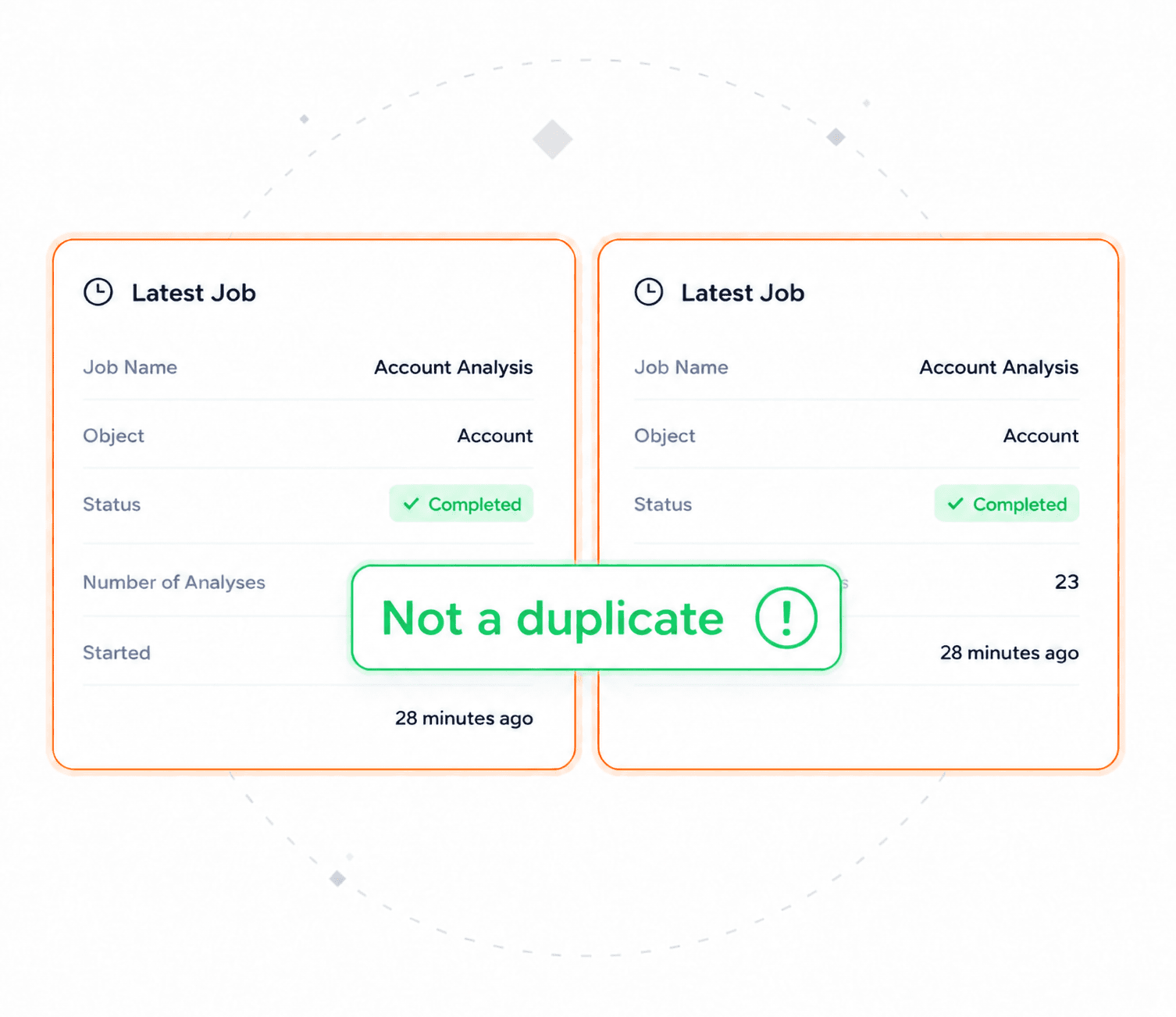
Mark a pair as unrelated, or as a duplicate you're keeping on purpose. It won't be suggested again — and you can undo it.
What admins check before letting anything merge production records.
Configured per object, and every part of the decision is visible.
Merging runs inside the access model you already have.
A backlog of years becomes a job you can finish.
The rollback question, answered up front.
Interactive product tours — no install, no sales call.
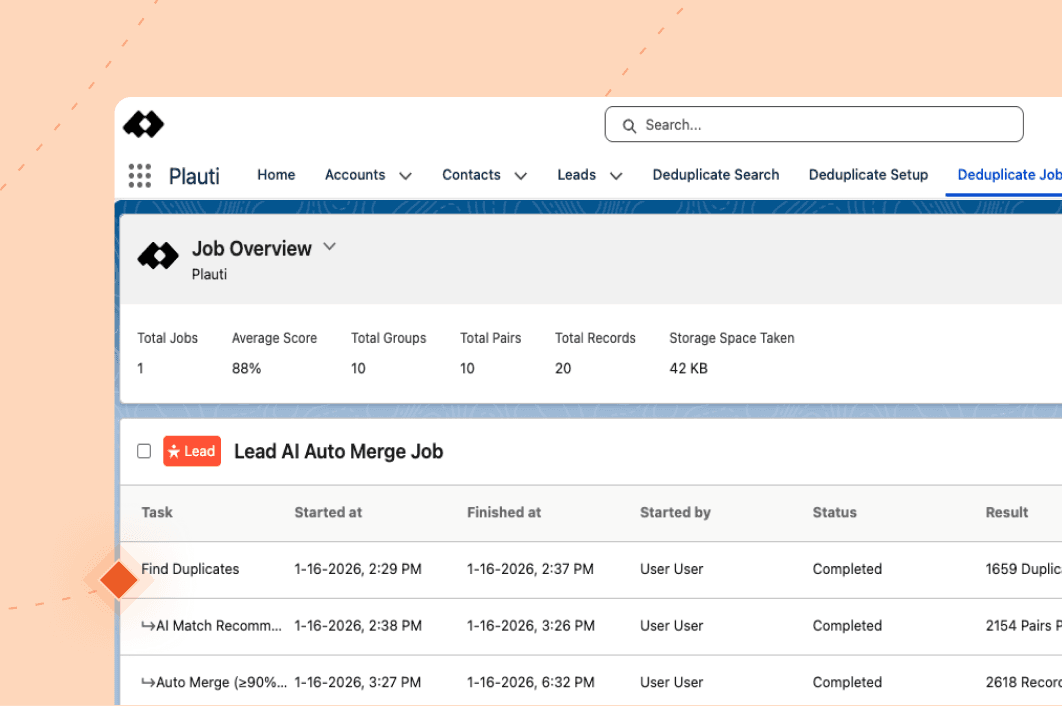
Confident auto-merges and less manual work.
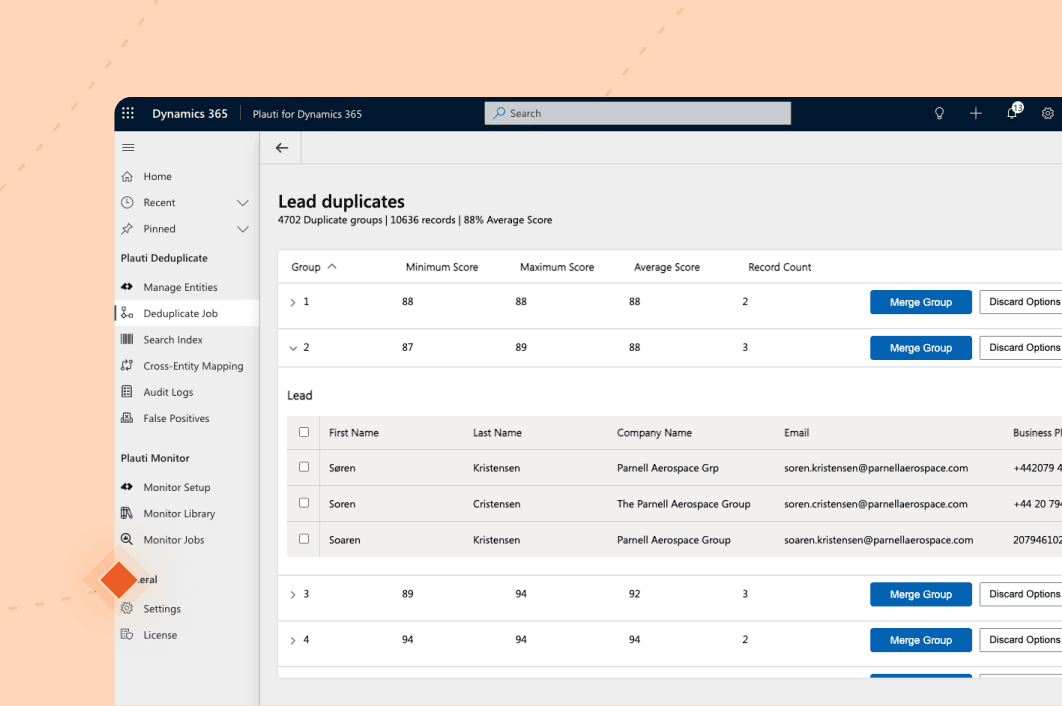
Find the duplicates native detection misses, then merge them in bulk instead of one pair at a time.
Granular deduplication at scale
"When we compared Plauti to other tools, the key advantage was granularity. With Plauti you can set very specific merge criteria: choose which fields to compare, set thresholds, and control what happens with empty fields. Also, Plauti lets us run automatic, large-scale merges, where other tools require everything to be done manually, one by one."

Ana Marquez Salazar — Global CRM Manager
Roche Diagnostics

A scenario you set per object: the fields compared, exact or fuzzy, what each is worth, and the score that counts as a duplicate. Starting from scratch, you can describe what counts as a duplicate in plain language and have AI draft the scenario for you. Every match then shows the score and the fields behind it, so you can tighten the rule instead of arguing with it.
The one your master record rule picks — oldest, most recently modified, most complete, most attachments, or a field you choose. A fallback settles ties, and you decide whether people can override it.
Yes, above a score you set, and only where you switch it on. Most teams merge manually first, then hand over the groups they trust.
Restore brings the original records back on the objects it supports, and the audit entry shows what changed and why. Converting a record into another object type is the exception — that one is final.
Duplicates are detected on standard and custom objects, and across two object types. Merging is available where the platform supports merging that object; elsewhere the duplicates are listed for you to act on.
Talk with one of our experts to see how that works for your use case.