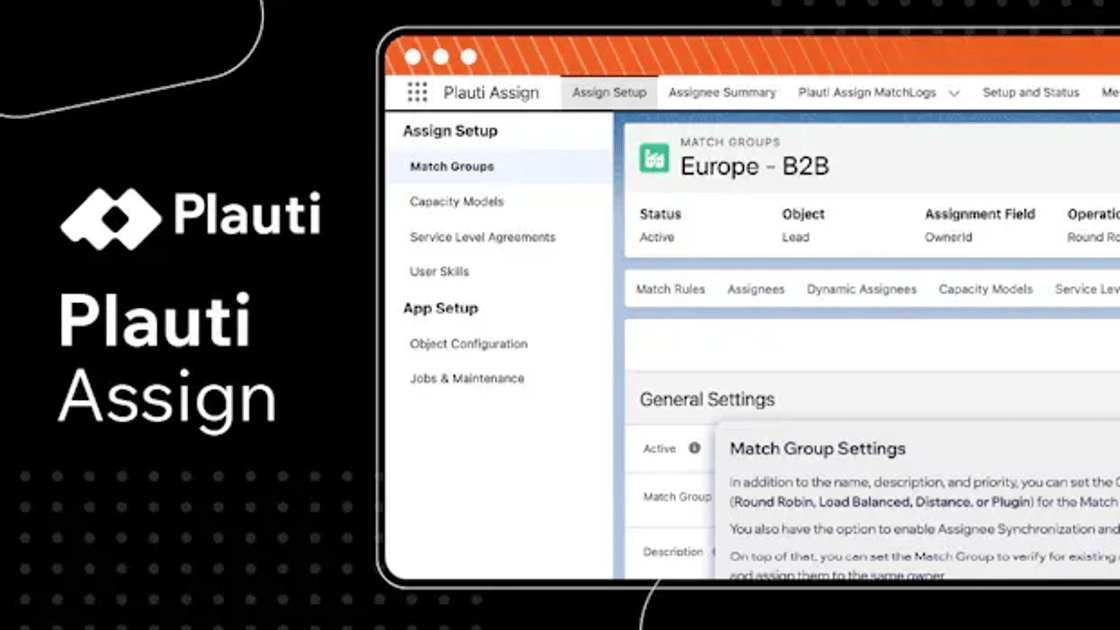
How Plauti Assign Gives Salesforce Teams Faster Routing, More Control, and Full Visibility into Every Assignment

How Plauti Assign Gives Salesforce Teams Faster Routing, More Control, and Full Visibility into Every Assignment
April 21, 2026
Reading time: 8 minutes

There is a gap in most Salesforce orgs. On one side, you have sales and support teams who need records fast. On the other hand, you have admins trying to keep routing rules accurate, SLAs intact, and assignee pools up to date, all inside a system that was never really built for that level of complexity. When your org has 500+ reps across 6 regions, three product lines, and rotating shifts, the native assignment tools start to crack. Rules break quietly. Records bounce. No one can explain why a lead went where it went.

Plauti Assign was built for exactly this situation. And the latest updates make it even more capable for teams that need speed, accountability, and control at scale.

The Routing Reality in Salesforce Today

Most Salesforce admins who manage assignment rules have felt this at some point. You build a clean setup. It works. Then the org grows, new reps, new territories, new products, and suddenly you are spending hours each month adjusting rules by hand.

The common pain points come up again and again:

Managing large assignee pools is slow and error-prone. When you add or remove reps, update territories, or onboard new team members, you have to go into each routing group manually. One missed update and records start going to the wrong person.

SLA breaches happen without warning. If an assignee is overloaded, out of office, or simply unavailable, records can sit in a queue or bounce between owners. By the time someone notices, the response window has already closed.

No one can explain "why did this go there?" When a lead ends up with the wrong rep, or a case sits unresolved, the question that follows is almost always the same: What happened? Without a routing history, answering it means going through every single match rule, one by one, until you find the source of the problem… if you find it at all.

These are not edge cases. They are everyday problems for Salesforce admins at mid-market and enterprise companies. And they get worse as the org grows.

Faster, Clearer Assignee Management for Large Teams

One of the most practical updates in Plauti Assign is the Assignee Summary, a single view that shows you the full state of your assignee pool across all routing groups.

Instead of opening each MatchGroup one by one to check who is active, who is at capacity, or who was recently added, you get everything in one place. That alone saves time. But the bigger shift is what it lets you do.

With AssigneeRules, you can define criteria once, role, region, skill, team, and Plauti Assign adds or removes assignees from groups automatically. Enable Assignee Synchronization, and the rules reapply every hour. Your routing groups stay accurate without you touching them.

This matters most for teams with high staff turnover, seasonal reps, or complex territories. When a rep joins, they appear in the right groups. When they leave, they are removed. You do not have to remember to do it.

For admins managing hundreds of assignees across dozens of groups, this is not a minor convenience. It is the difference between a routing setup that works and one that slowly drifts out of sync.

See the Assignee Summary in action:


New SLA Controls to Prevent Routing Loops and Protect Speed to Lead

Speed to lead or speed to case are metrics that every revenue team talks about. The data behind it is hard to argue with; the faster a lead gets a real response, the higher the chance of conversion. But in practice, maintaining that speed is harder than it looks.

Records get stuck. A rep is at capacity but still receiving assignments. An SLA window closes before anyone acts. The record sits, then gets reassigned, then sits again. This is what a routing loop looks like in real life.

The updated SLA controls in Plauti Assign give admins and RevOps teams a practical way to manage this. You can define SLA thresholds per routing group, set escalation paths when a record is idle too long, and configure reassignment logic to move records automatically when a breach is about to happen.

A few specific things this makes possible:

  • Set time-based thresholds that trigger automatic reassignment if a record is not acted on
  • Control escalation paths so idle records move to a backup group or a senior rep
  • Prevent routing loops by defining what happens when all assignees in a group are unavailable, using Overflow Logic to pass the record to the next suitable group

This is the kind of control that makes a routing setup resilient, not just functional. It works when everything is normal. And it keeps working when things go wrong.

See SLA controls in action:


Routing Long: See Every Record’s Journey and Stay in the Know

If there is one feature in this release that speaks directly to enterprise readiness, it is the Routing Log.

The Routing Log records every assignment event, who got what, when, which rule triggered it, what the outcome was, and if an SLA was missed or a record rejected by a user. It is a full audit trail for every record that passes through Plauti Assign.

This matters for a few different reasons.

For admins, it is a troubleshooting tool. When something goes wrong, a lead goes to the wrong rep, a case sits unassigned, the Routing Log tells you exactly what happened. You do not have to guess. You do not have to ask. You open the log, trace the record, and find the answer. Hours, days, even, saved for every investigation.

For RevOps, it is a visibility tool. Pipeline health depends on records being routed correctly and responded to quickly. The Routing Log gives RevOps leaders the data to verify that routing is working as intended, and to spot patterns when it is not.

For compliance and governance, it is an audit tool. Regulated industries or teams with internal SLA commitments need to prove that records were handled within defined parameters. The Routing Log provides that evidence without any extra setup.

There is also a less obvious benefit. When admins can see routing history clearly, they can make better decisions about configuration changes. You can test a new rule, watch what it does, and verify the outcome, instead of making changes blind and hoping nothing breaks.

The Routing Log is not just a nice-to-have. It is what separates a routing tool from a routing platform.

See the Routing Log in action:


Enterprise-Ready Assignment for Admins and RevOps

The three features above, Assignee Summary, SLA controls, and Routing Log, each solve a specific problem. But together, they tell a bigger story about what enterprise-ready routing actually looks like inside Salesforce.

Let's be clear about what "enterprise-ready" means in this context. It is not just about handling volume, though Plauti Assign does handle thousands of assignees and complex routing scenarios. It is about giving admins the tools to manage that complexity without writing code, without opening IT tickets, and without breaking things every time the org changes.

Here is what that looks like in practice:

Admins stay in control. Everything in Plauti Assign, routing rules, SLA thresholds, escalation paths, and assignee management, is configurable through a no-code interface. Power users can build sophisticated setups without touching Apex or Flows.

RevOps gets the data they need. Routing logs, SLA reports, and assignee distribution data feed directly into the decisions that RevOps leaders make about speed to lead, speed to case, pipeline health, forecast reliability, and team structure.

IT does not have to be involved. This is a real constraint in many enterprise orgs. When routing changes require a developer or a release cycle, they get delayed. Plauti Assign removes that dependency.

The setup scales with the business. Whether you are adding a new region, onboarding 100+ new reps, or rolling out a new product line, the routing configuration adapts without a full rebuild.

For Salesforce administrators specifically, the people responsible for making sure the org actually works, this is what good tooling looks like. It is reliable, auditable, and maintainable without heroic effort.

FAQ (Frequently Asked Questions)

What objects does Plauti Assign support?

Plauti Assign works with Leads, Cases, Contacts, Opportunities, and custom objects. You can set up separate routing groups for each object type.

Does Plauti Assign require coding or developer support?

No. The entire configuration, routing rules, SLAs, assignee management, and escalation paths, is done through a no-code admin interface inside Salesforce.

How does Plauti Assign handle out-of-office or unavailable assignees?

Assignees can set their own Out of Office status. When active, they are automatically excluded from assignment rotation and re-added when the period ends. Overflow Logic can also pass records to a backup group when all assignees in a group are unavailable.

Can I route records based on skills or expertise?

Yes. Skills-based routing lets you assign specific skills to users and set up routing rules that match records to the right person based on what they are equipped to handle.

Is there a way to audit past routing decisions?

Yes. The Routing Log records every assignment event with full context, which rule triggered, who was assigned, and what the outcome was. It is searchable and available without any additional setup.

What happens when an SLA is about to be breached?

You can configure automatic reassignment or escalation rules that trigger when a record approaches or crosses an SLA threshold. Records are moved to the next available assignee or a backup group based on the rules you set.

Hungry for more?
View resources