Who can run what
Control which profiles can launch which actions, and on which objects.
- Access per action, per object, per profile.
- A record cap per profile or user.
Jobs and actions run on a schedule, the moment a record changes, or straight from your own code. Nobody has to start them.
Configure what an action does once. Where it runs from is a separate choice, and you can make it more than once.
Put a job or macro on a daily, weekly, monthly or custom schedule. Pause it, edit it, or run it once from the schedule overview.
Add a launcher to any list view and fix the records that need attention there. Or turn a saved report into a work list and action everything on it.
Apply an action every time a record is created, updated or restored, whether by a person, an import, a web form or an API call. Filtered to the records you target, fully logged, no review queue.
Search, merge, convert and trigger indexing from your own back-end, using the scenarios your admins configured. Plugins hook your own logic into search, merge and convert.
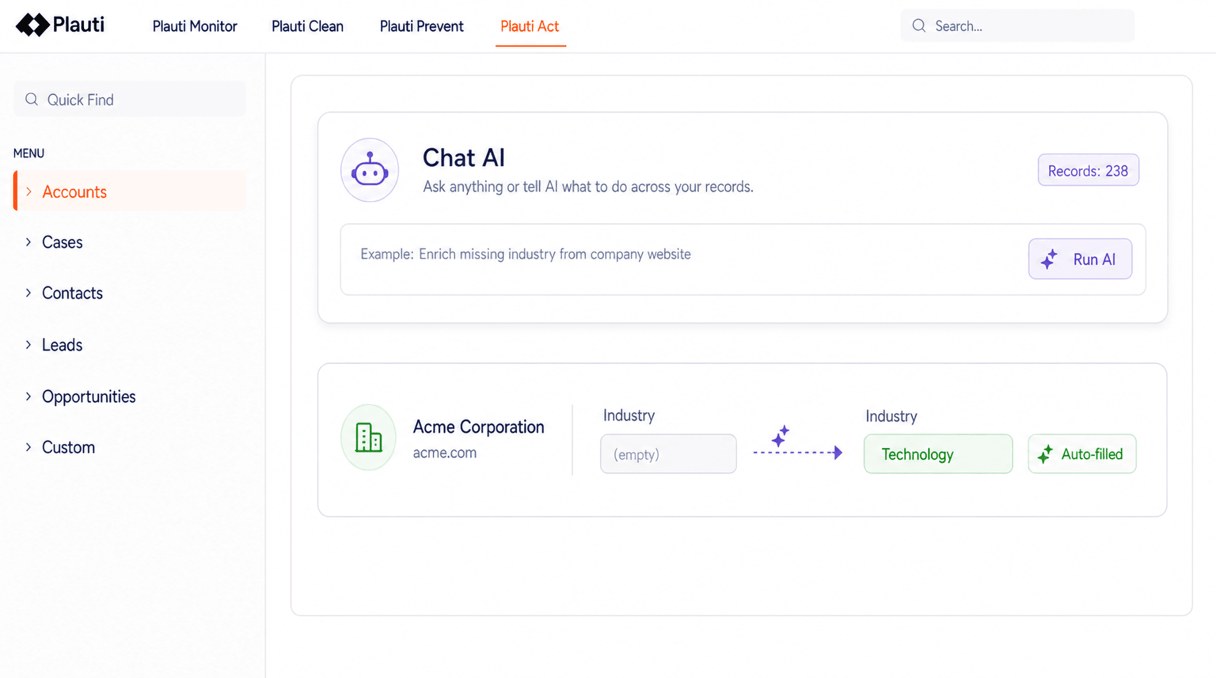
Summarize cases, draft emails, enrich records. The answer is written back into a field you choose, and you pick the provider and the prompts.
Control which profiles can launch which actions, and on which objects.
Every run is logged, and what it changed can be rolled back.
Interactive product tours. No install, no sales call.
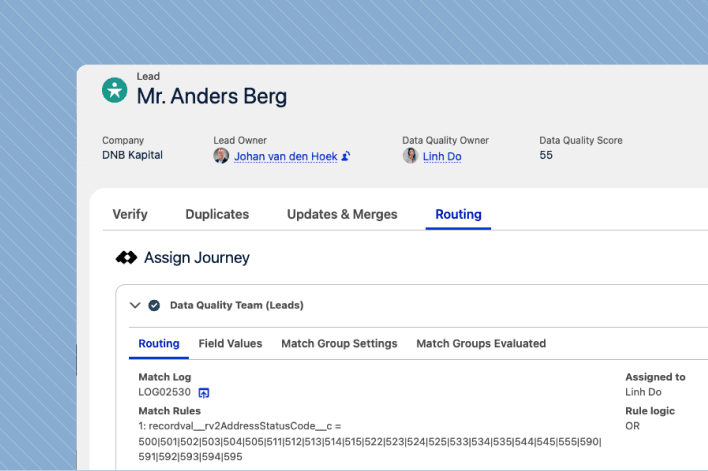
Leads, cases, opportunities, custom objects: automate the assignment rules for all of them in one place. No code, no flows to babysit, and nothing ever leaves Salesforce.
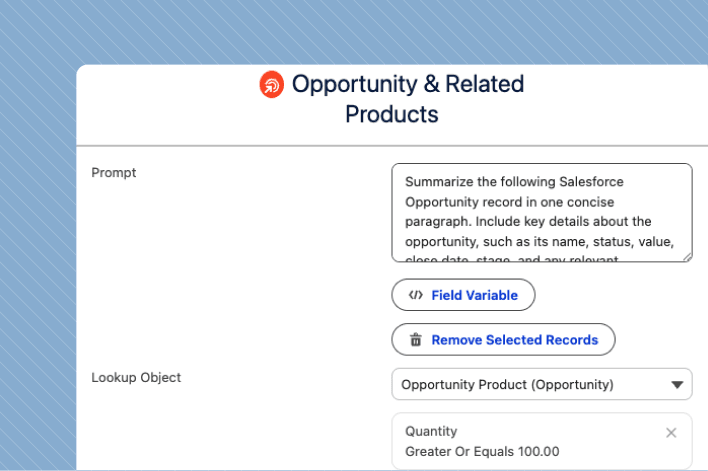
Update, delete, and convert Salesforce records in bulk — right inside your org. No exports, no data loader, no starting over.
Automated cleansing
“The time saved cleaning up duplicate entries and mass editing/deleting records. Direct Processing with cross-object functionality is a game-changer.”

Roger Rooney — VP Operations
Options Technology

Yes. Jobs and saved macros can run once at a future time, or on a recurring cadence: daily, weekly, monthly or a schedule you define. Scheduled runs use the same processing engine as manual ones, and their progress, results and errors appear in the same job overview.
Yes. Add a launcher to any standard or custom list view and action the records you select there, or turn a saved report into a work list instead. The same launcher appears on the action grid and on duplicate and validation job results.
Both. Each job has an overview with progress while it runs and results when it finishes, with errors captured per record so you can see exactly which ones failed and why. Separately, every action run from a list view or a job is written to an audit log at action level, with an optional record-level log of which records changed and what changed.
Yes. Apex and REST APIs expose duplicate search, matching scores, master-record selection, merges and job starts, so a trigger, a custom component or an external system can call them, using the scenarios and merge rules your admins configured. Plugins register your own classes into search, prevention, merge and convert, and a command-line tool covers CI/CD.
The one you choose to connect. Ask AI sends a prompt with field values from the record injected into it and writes the response into a field you choose. You pick the provider: Azure OpenAI, Google Gemini, AWS Bedrock, OpenAI, or your own endpoint. You also set the model, the temperature and the API key, so which model sees your records stays your decision.
Talk with one of our experts to see how that works for your use case.