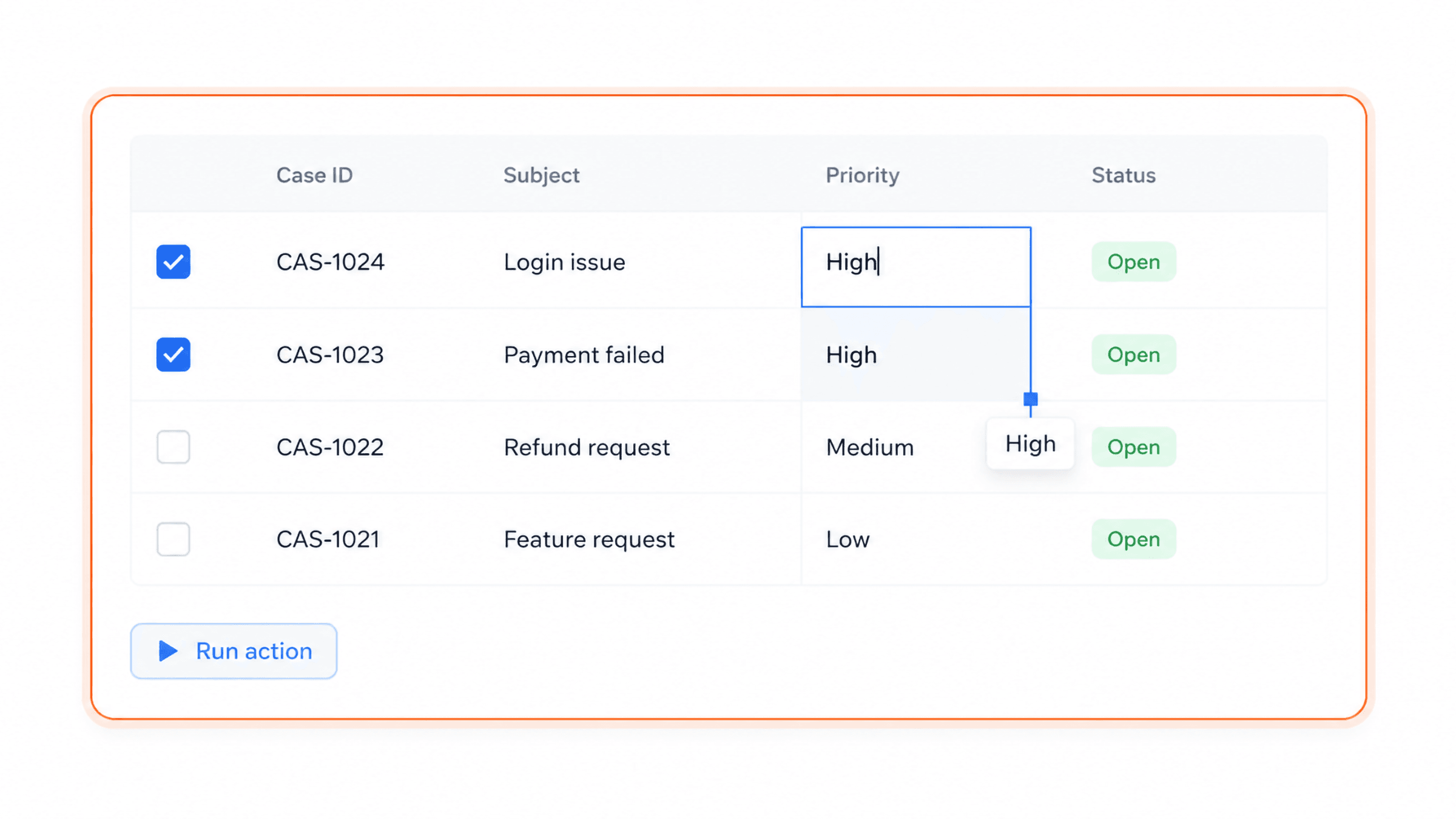
In a spreadsheet-style grid
Records in a table, edited cell by cell, a value copied down a column, and actions run on the selected rows - without leaving the CRM.
Country arrives as "USA", "U.S.A." and "United States". Configure the correction once, run it across every record that matches, and the same action keeps running on new and updated records. No export, no spreadsheet.
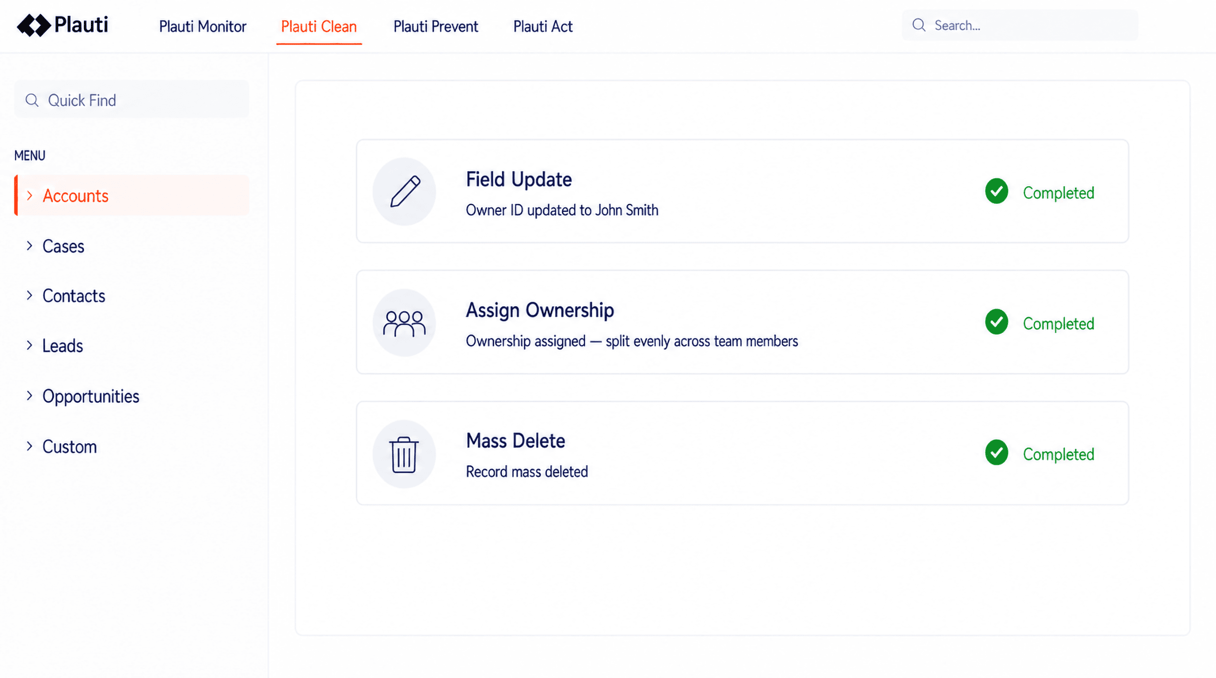
A correction is a configured action: which records it targets, which fields it writes, and what it writes into them.
Match an exact string or a pattern, on the whole field or part of it, and replace it. Several rules can run in one pass.
Set a value across the whole set, or populate a field from a related record.
Send a field to a language model with your own prompt and write the answer back. Your provider, your model, your key.
Ownership distributed evenly or by weight, values aggregated from related records, company hierarchies rebuilt, prospect records converted - in bulk.
Automation you already built, or custom code for what the built-ins miss, exposed as an action.
Records in a table, edited cell by cell, a value copied down a column, and actions run on the selected rows - without leaving the CRM.
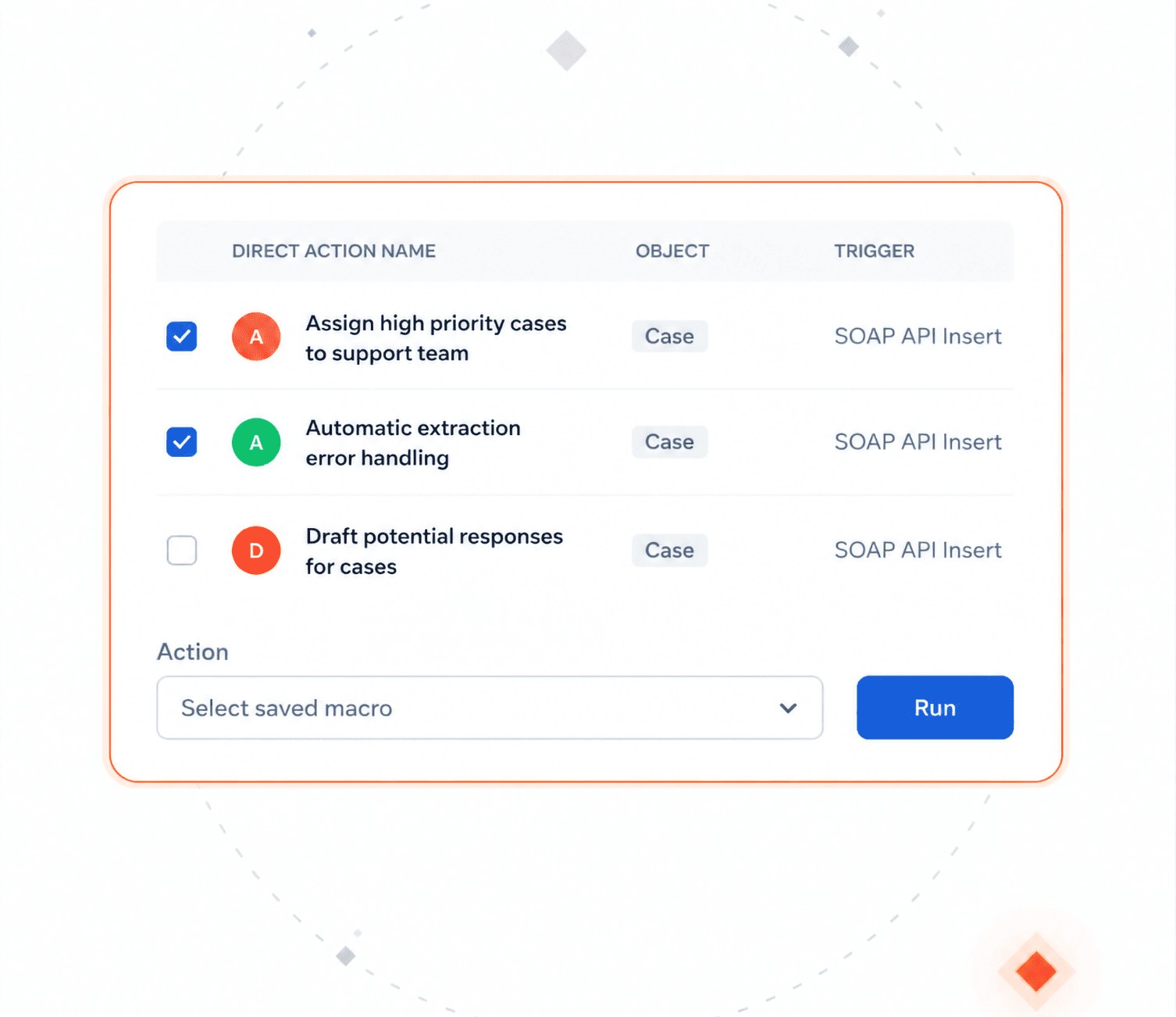
Select the records, pick an action or a saved macro, set the parameters, review, run.
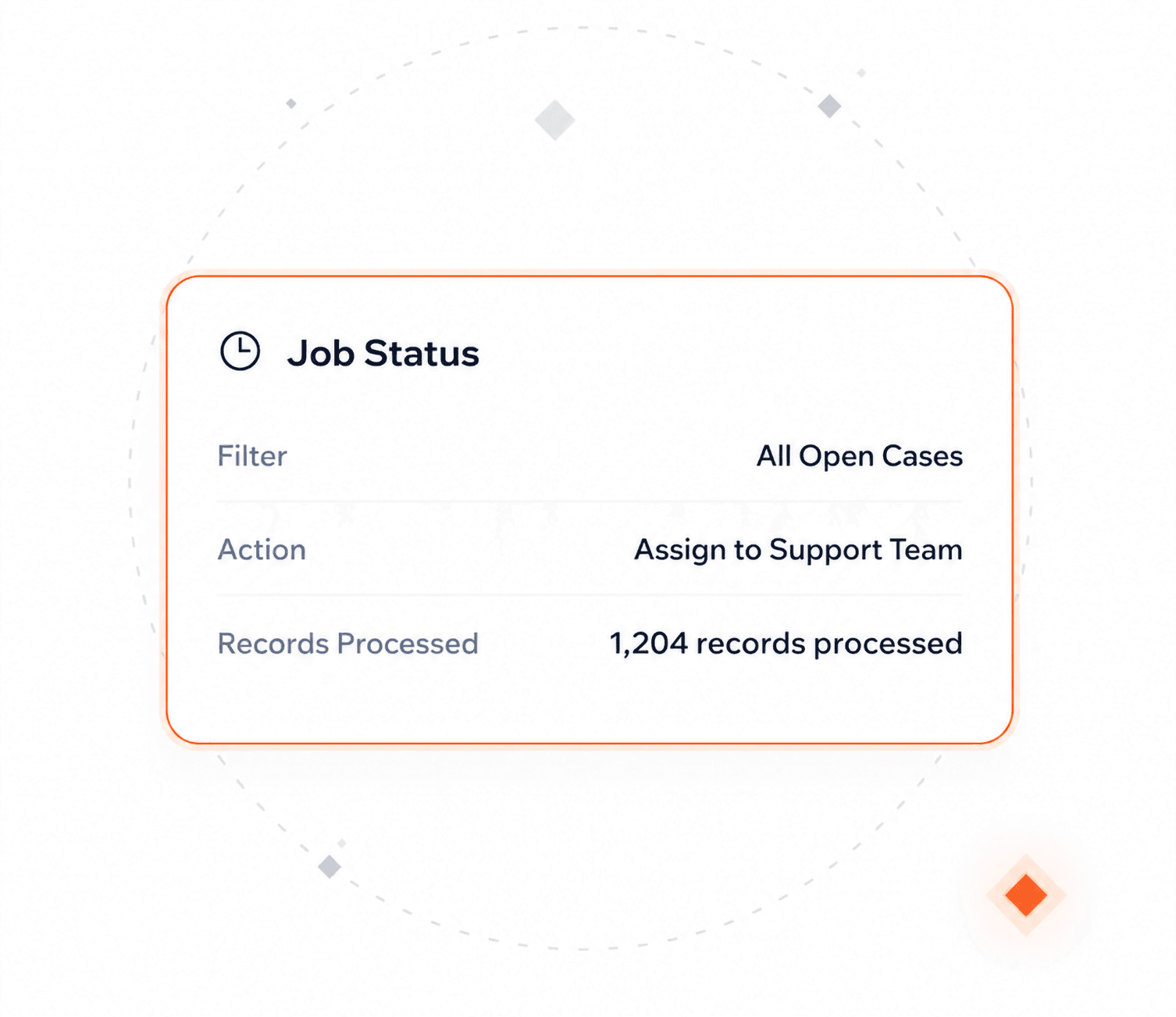
A filter, an action, and a run that batches through the whole matching set instead of a screenful of it.
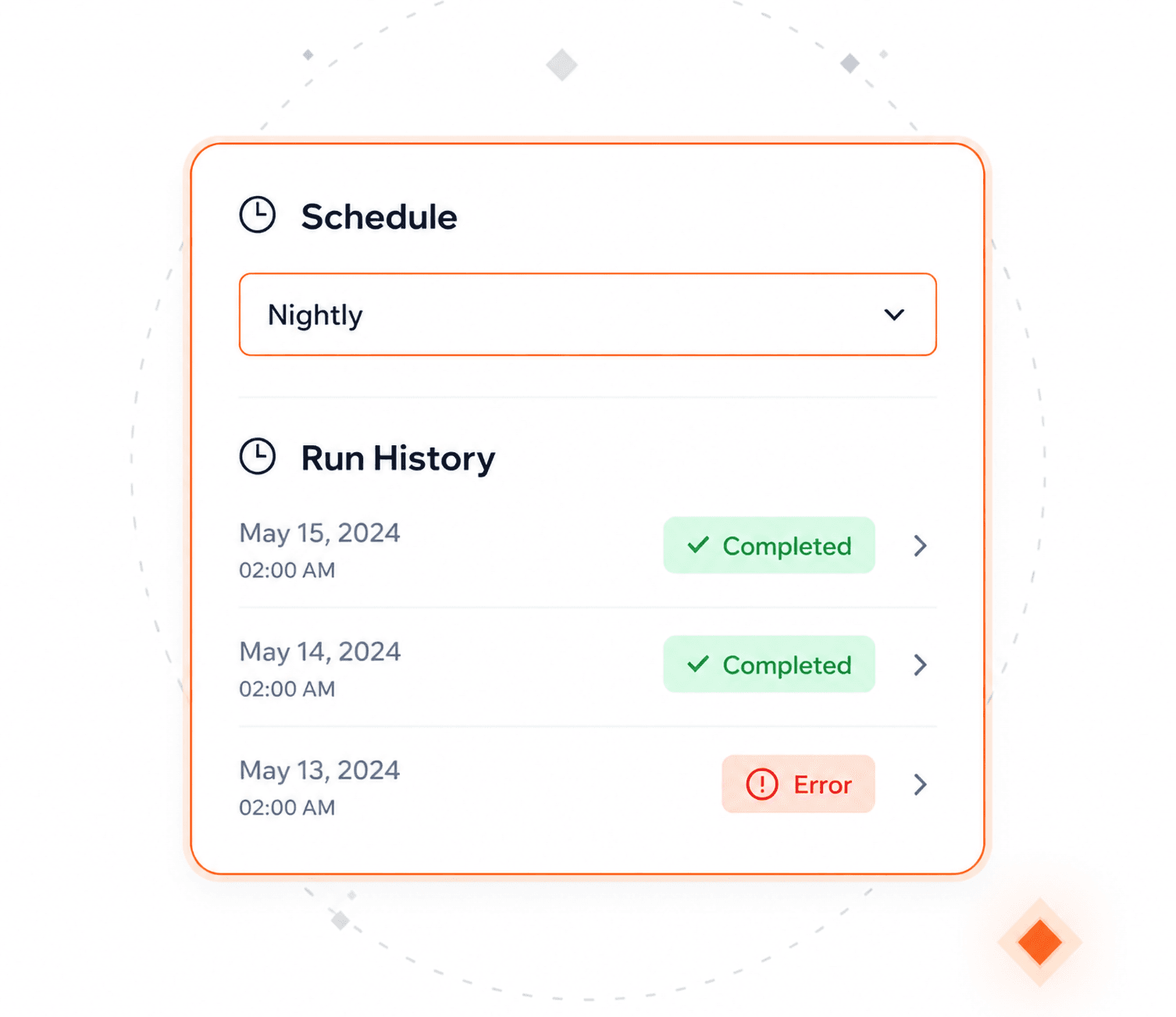
The same job or macro, nightly, weekly or monthly, with its history and errors in the same overview as a manual run.
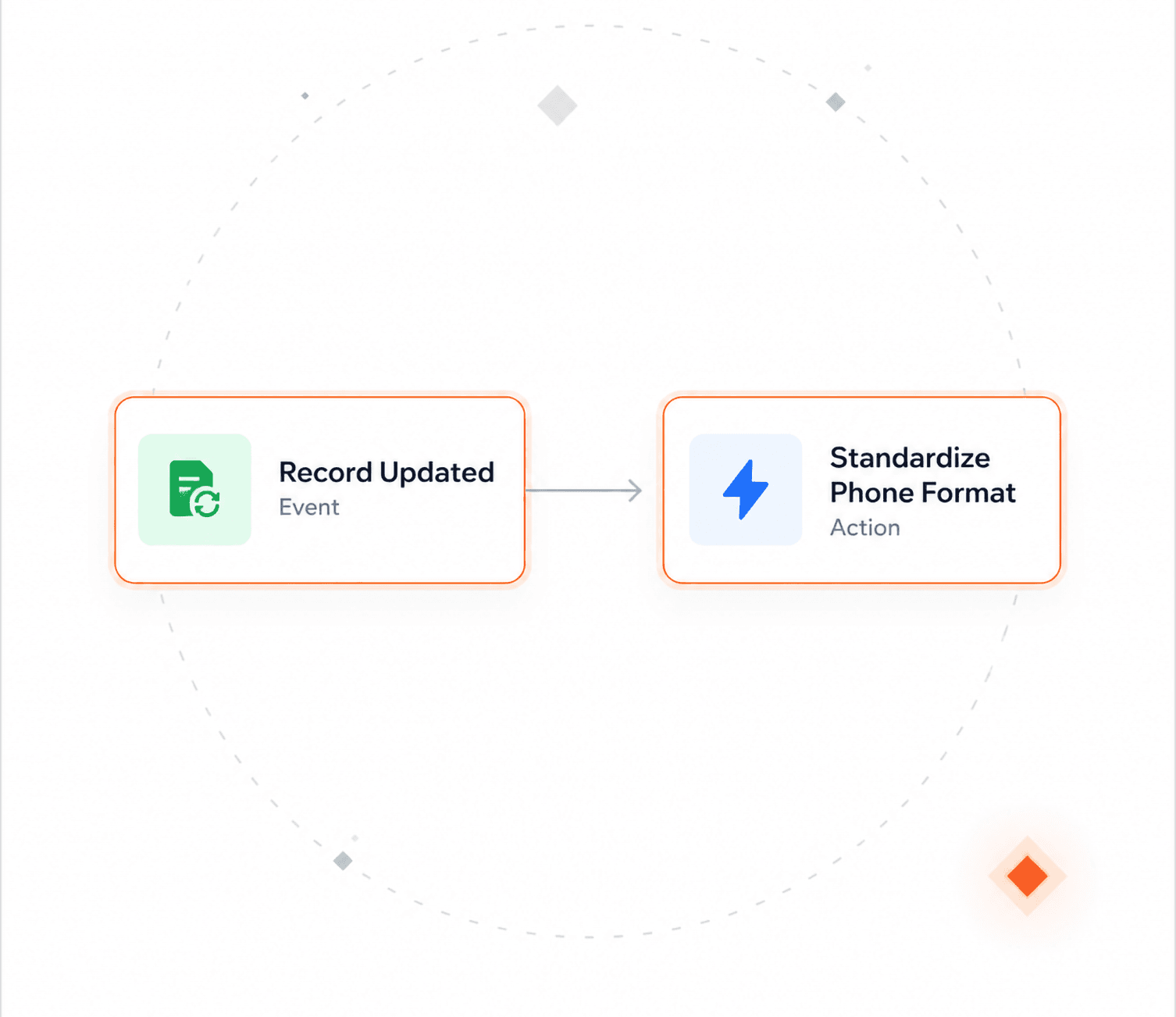
Record events start the action per record, so values are standardized as data arrives instead of at the next cleanup.
The four things admins check before a bulk-change tool goes near production.
Access is granted per action, per user or role, and per object. A cap on records per run limits how much a single mistake can reach.
Two logs: one for the run, one for the records. The record log keeps the value before and the value after, field by field.
Jobs run in the background in batches that stay inside the platform's processing limits, with no hard record ceiling beyond your subscription.
Actions run inside your CRM's own save sequence, not around it, so the rules you already rely on still decide what is allowed.
Bulk data changes
"46.7% of Salesforce admins still use spreadsheets to cleanse and transform CRM data, and **48.6%** name the risk of manual error as their biggest problem with doing it that way."

Salesforce Ben Admin Survey 2026
SalesforceBen

Yes. You filter the target records, see which ones are in scope, and review the configured change before executing it, and you can run it in manageable batches. Field-level changes can also be reversed selectively afterwards.
Yes. Object and field-level security, sharing rules, validation rules and existing automation all still apply, because the action runs inside your CRM's normal save sequence. Users can only change fields and records they already have access to.
A job is not tied to list-view selection, so it is not capped at the few hundred records a list view allows. There is no hard record ceiling beyond what your subscription defines, and batching keeps each run inside the platform's processing limits.
Read-only fields. Calculated fields, aggregate fields and auto-generated numbers cannot be written by any tool, including this one.
The work stays inside the CRM, so there is no export and re-import, and the same security, validation and automation apply as to any other save. Actions are saved and documented in one library instead of living in someone's local script, and every run is logged.
Yes, under admin control. You choose which actions and macros each user or role can run, on which objects, and how many records they can change per run.
Talk with one of our experts to see how that works for your use case.