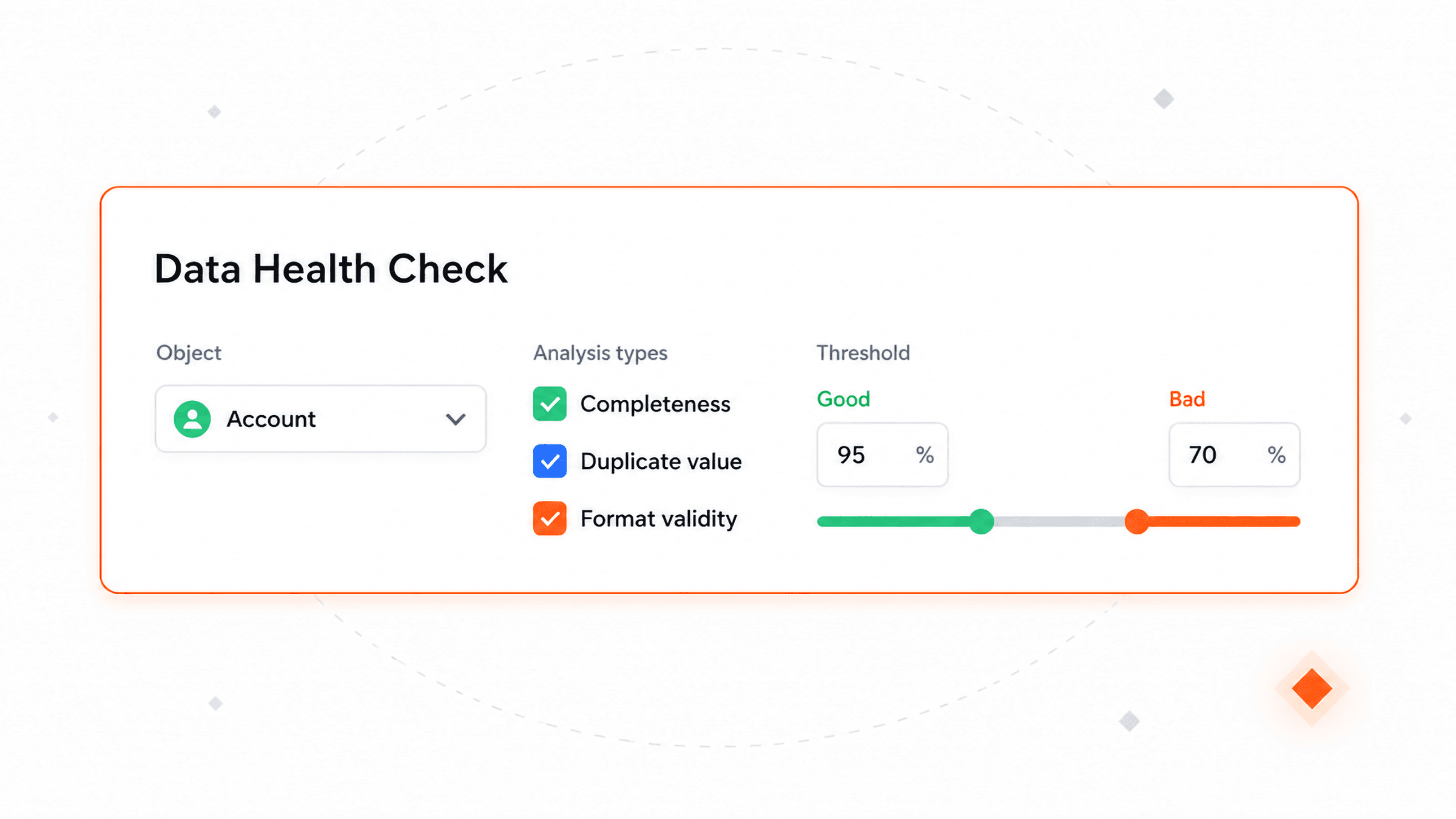
Configure per object, per field
Add an object, choose which analysis types run on it, and select the fields for each one. Set your own thresholds for good and bad.
Know for sure which CRM objects and fields are reliable and ready for automation, reporting, and AI. Get a quality score, run many diagnostic scans, assess and monitor quality over time.
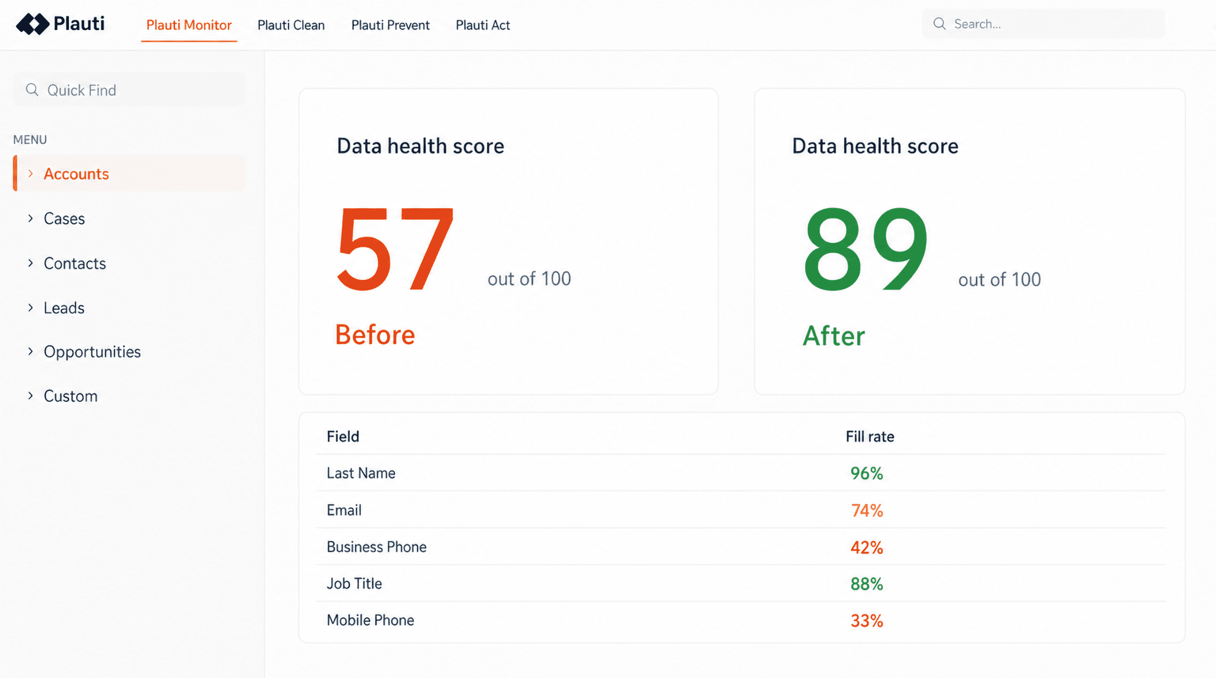
Different analyses to check data quality and a health score based on what matters to you.
Fill rate and blank rate per field, so you know how much of an object is really populated before you build a segment, a report or an automation on top of it.
Duplicate-value rate and uniqueness detection tell you whether a field is safe to use as a key or a matching criteria.
Format pattern detection and email regex flag values that are the wrong shape. Character-length analysis catches bad entries and placeholders someone typed to bypass a required field.
Value distribution shows which values dominate a field. Standard deviation, negative-value and numeric checks surface the figures that do not belong, and date checks catch future dates and stale ones.
Orphaned record detection finds how many records have an empty relationship field. Picklist analyses show which active values nobody uses and which inactive ones are still used.
Each field carries an importance from 0 to 5, and so does each analysis within it. Those weights turn the raw analyses into a 1–100 score at record, field and object level. Set a field to zero, and it drops out of scoring entirely.
Add an object, choose which analysis types run on it, and select the fields for each one. Set your own thresholds for good and bad.
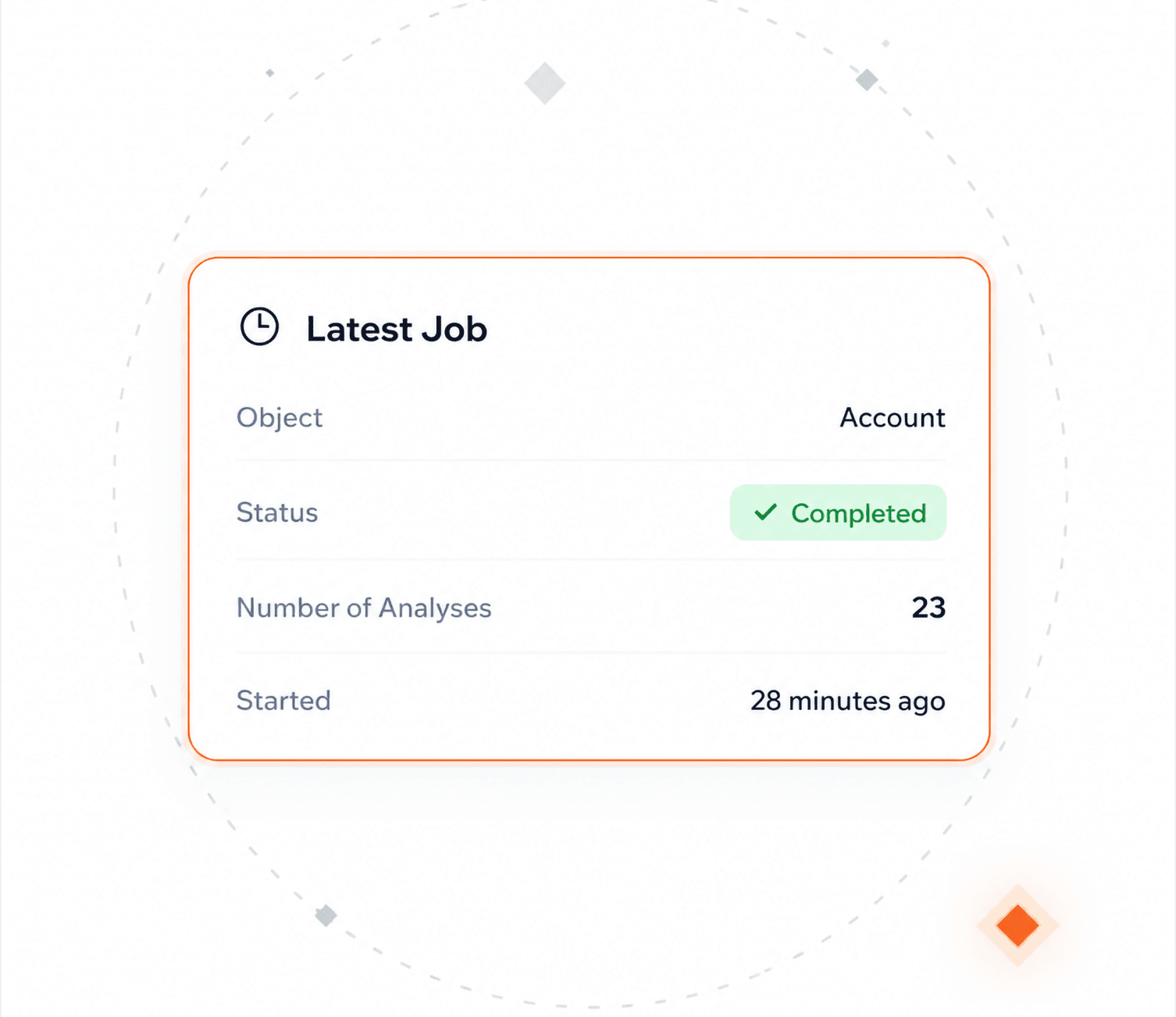
A single job runs multiple analysis types across the fields you selected. Re-run the same job after a cleanup to see what changed.
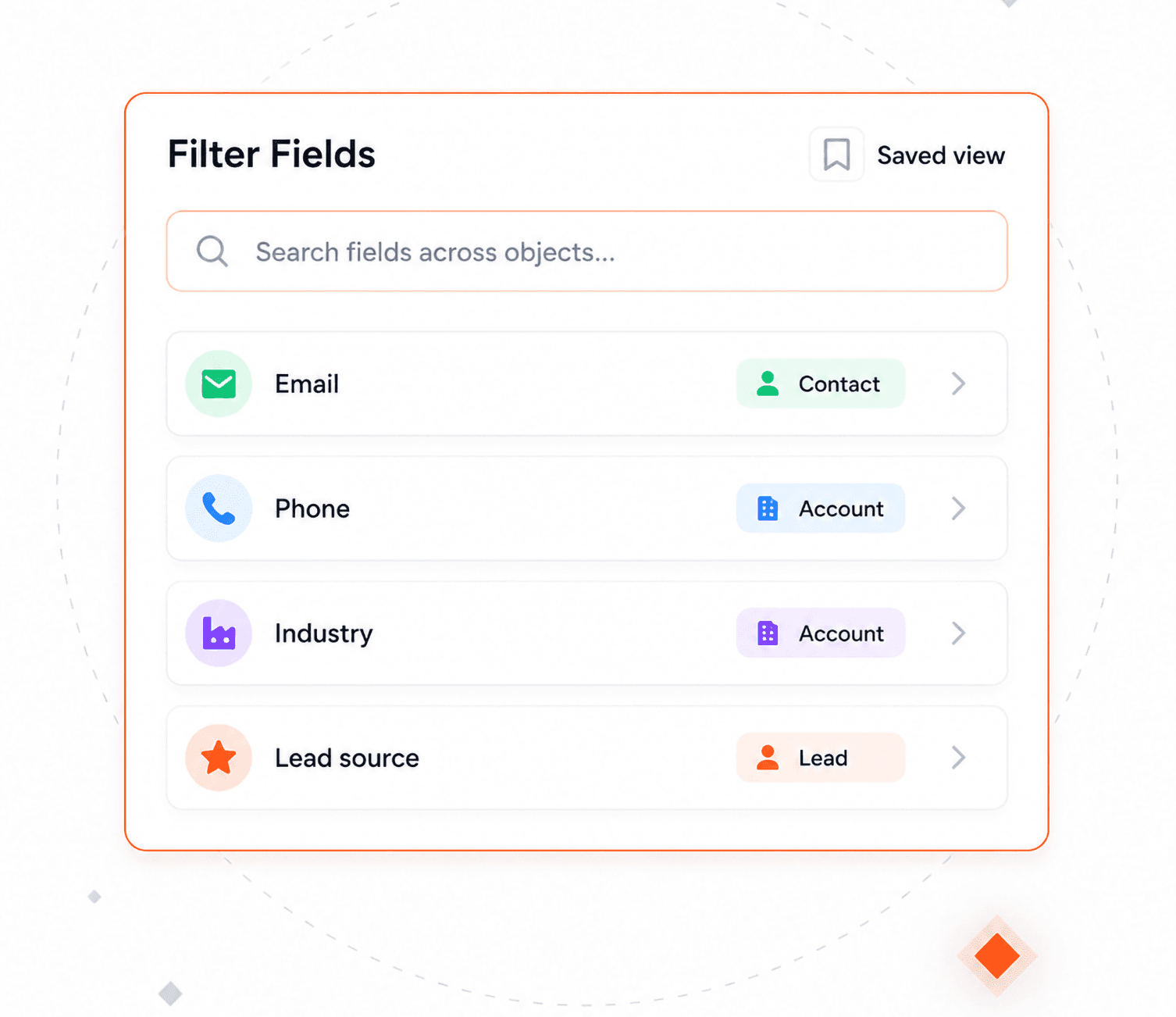
A field filter cuts across the whole library instead of one object at a time, saved as a list view to come back to.
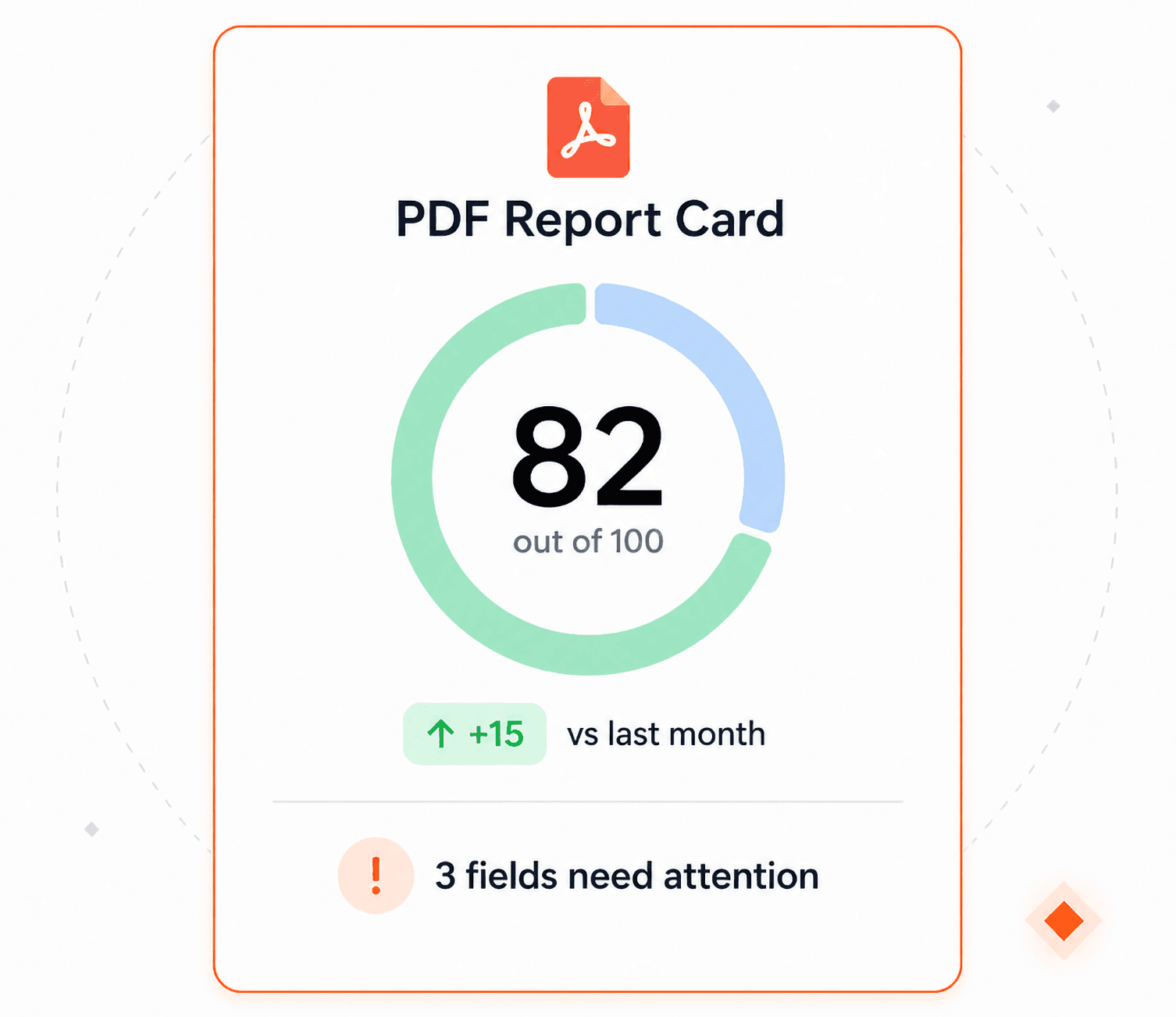
A PDF showing the object score, how it changed, and a plain-language summary of what to fix.
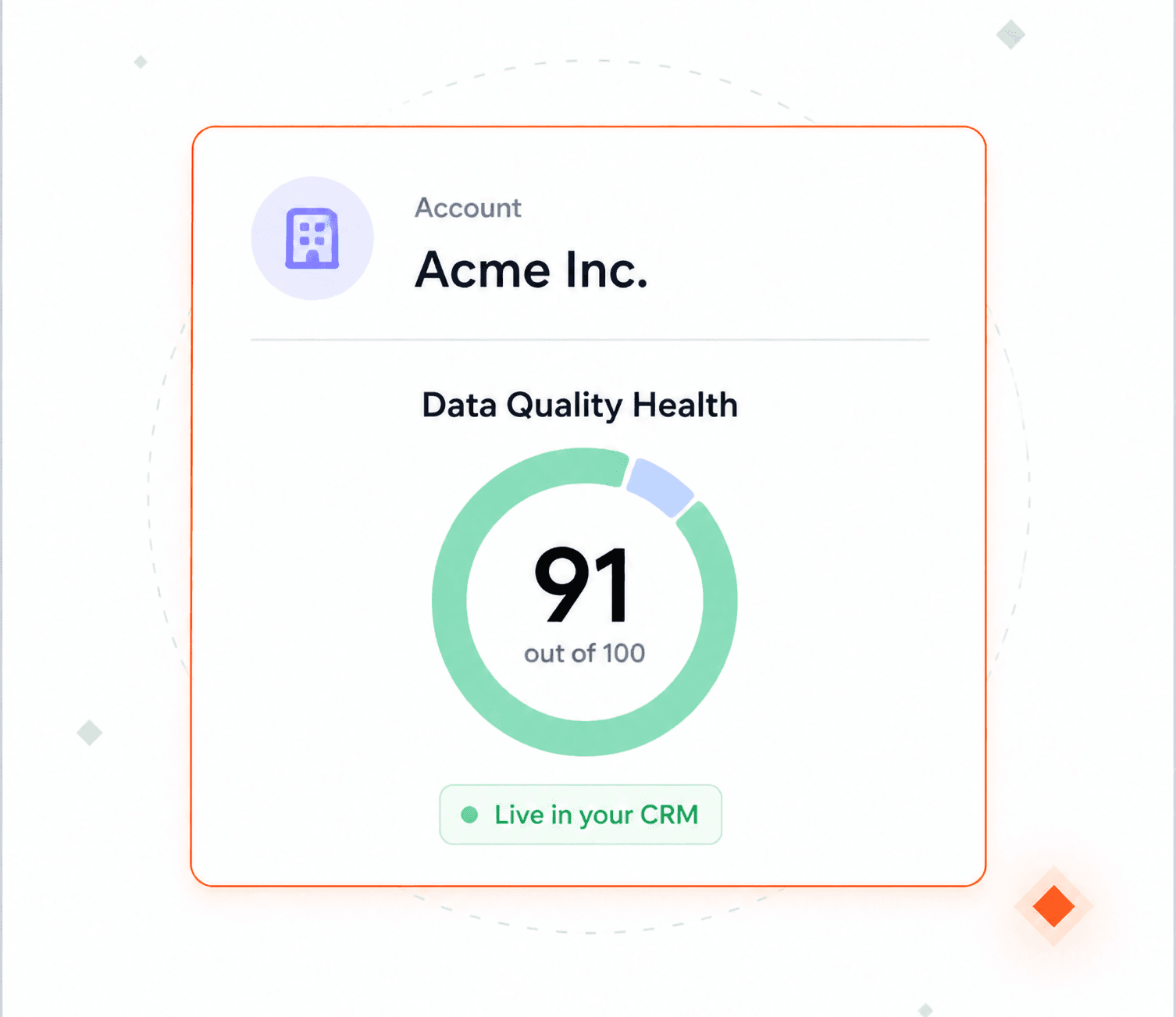
Data quality health assessment where your data lives. No exports needed.
Nothing the analyses do touches a record.
No new access model to review.
Nothing is analysed until you add it.
Runs on the object's full record count, not a sample.
Interactive product tours. No install, no sales call.
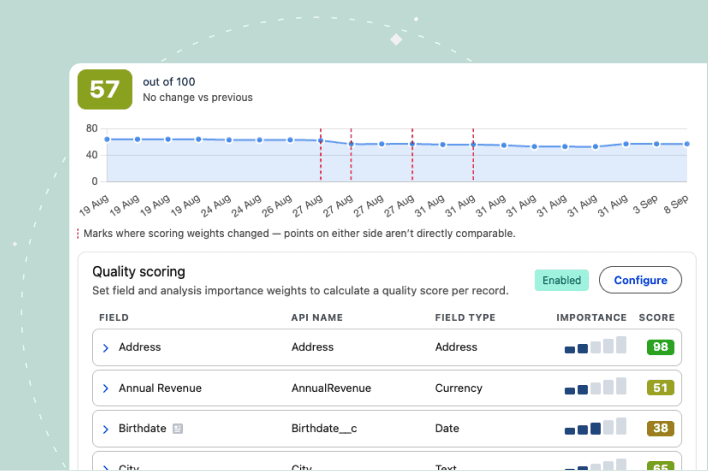
Every object and field, rated out of 100.
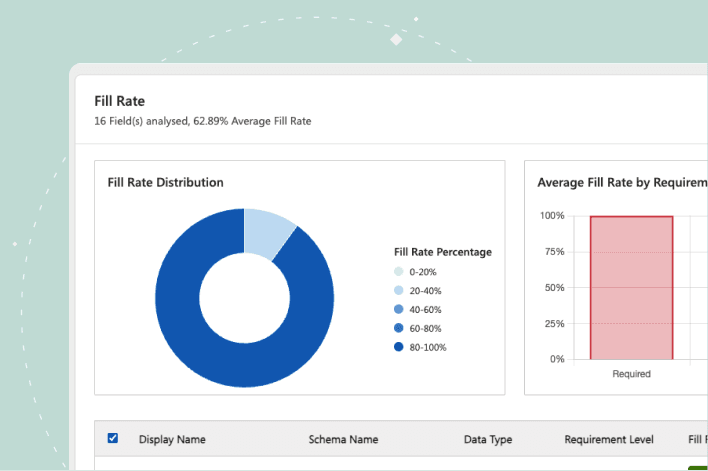
Run the checks that matter on the fields you choose, and get a colour-coded read on what needs fixing.
AI readiness
"Data is the foundation for the success of deploying AI. Clean data as a prerequisite for AI deployment is a critical thing."

Hao Lyu — Director of Business Intelligence
Robin Hood Foundation

No, it does not change your data. The results are stored outside your records. Scoring goes to a separate scoring object by default, one row per record. You can opt a specific object into storing its score on the record itself, which updates that record's last-modified date and can trigger automations or integrations watching for it. That choice is yours to make per object.
Yes. Each analysis has default thresholds for good, warning and critical, and you can override them on individual fields. Some analyses also take a case-sensitivity setting or a minimum number of occurrences before a value counts.
It is a 1 to 100 signal built from the data quality analyses you configured, weighted by the importance you gave each field and each analysis. It exists at record, field and object level. There is no single organisation-wide number: the object score is the top-level signal, and you compare objects against each other.
Nothing, until the next job runs. The score on screen is marked stale and a banner points you at running a fresh analysis. The trend charts also mark the date the configuration changed, so you are not comparing two different measurements as though they were the same one.
AI readiness is influenced by data quality of the records a model or an agent will actually read: which fields are populated, which are the wrong format, and which repeat the same value. The score and its movements show if the readiness improved.
Yes. Calculations run under the permissions and field-level security you already have, so a user does not see a metric for a field they have no access to.
You can start a check by hand whenever you want a fresh number. Scores are produced by the scheduled analysis job or ad-hoc ones.
Talk with one of our experts to see how that works for your use case.