
Case studies
How Xerox Improved Global Data Integrity in Salesforce
Xerox's global CRM team cleaned up cross-team duplicate records in Salesforce, then added prevention so marketing targeting and client reporting stay accurate as the company scales.
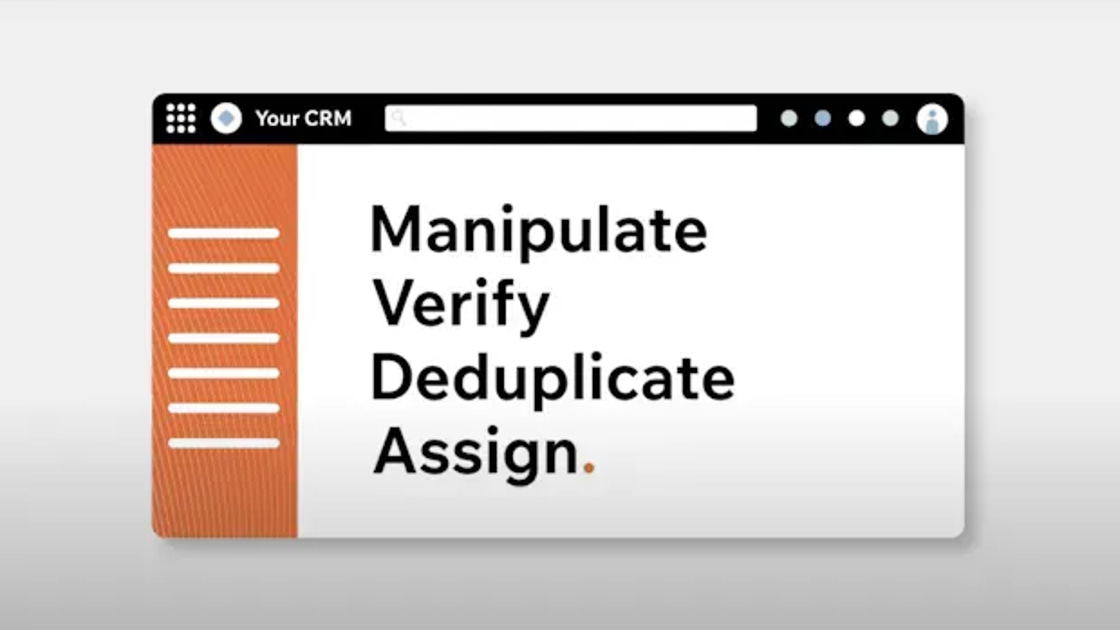
If you use Plauti, you'll start seeing new names and a new look across Salesforce, Plauti Cloud, and Microsoft Dynamics 365. None of the functionality you rely on has changed. This is part of a broader update to how we present our capabilities. Read the full story in our brand update.
Here's what's actually changing for you.
What changes depends on which platform you use. Here's what's different in Salesforce, Plauti Cloud, and Microsoft Dynamics 365.
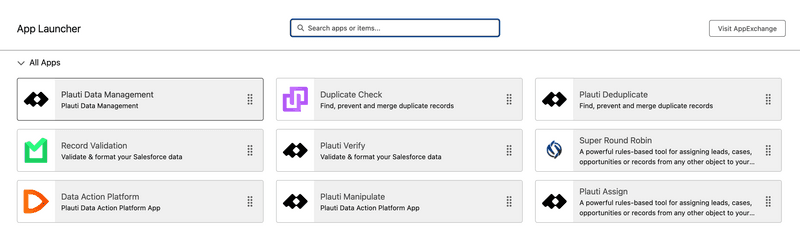
You'll find Plauti's capabilities through the Salesforce App Launcher, now grouped under updated tiles. The previous tiles still work; Salesforce will phase them out over the course of the year. Functionality is identical between the old and new tiles, so use whichever one is installed.
Plauti Cloud's logo and color palette have updated. The layout and navigation stay the same.
In Dynamics 365, the duplicate-checking capability's logo and label have updated. Everything else about how it works is unchanged.
These naming and interface changes are the first step. Over the year, we're renaming the background jobs tied to validation, deduplication, and bulk actions to match, and rolling out new capabilities across Monitor, Clean, Prevent, and Act.
Questions about what's changed? Reach out to our support team. We're happy to help.
Case studies
Xerox's global CRM team cleaned up cross-team duplicate records in Salesforce, then added prevention so marketing targeting and client reporting stay accurate as the company scales.
Blog
Plauti has refined its brand and values around one belief: trusted data leads to confident action, especially now that AI agents work directly with customer data.
With a product tour you can walk through the product yourself without installing anything, or book a demo for a guided look.