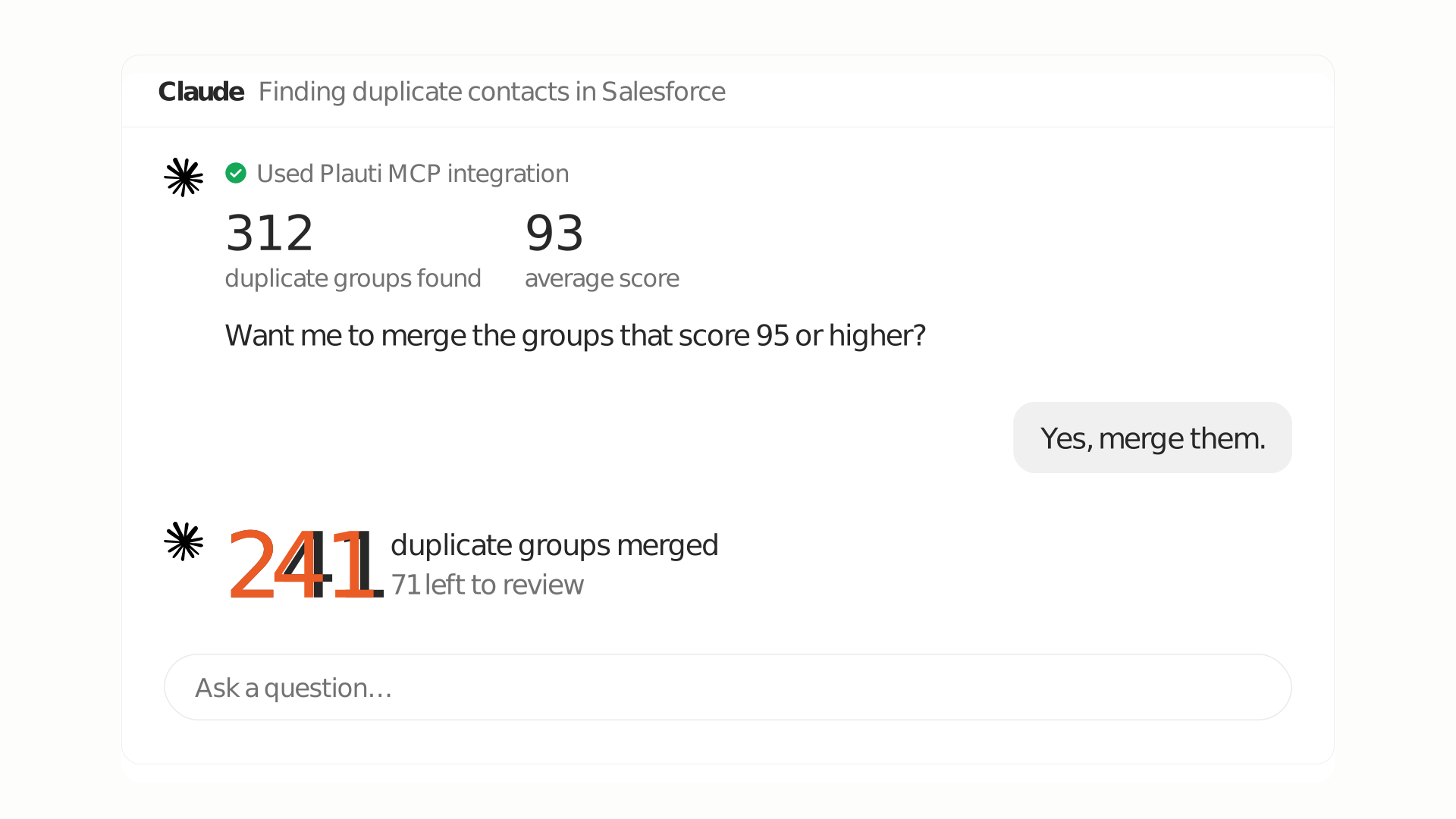
Headless deduplication is here
Deduplicate from your AI assistant's chat.
- Ask, and it runs the job.
- Ask why, then make your scenarios better.
- Nothing merges until you say yes.
Headless deduplication gives you another way to answer a question admins hear again and again: “How many duplicates do we have?” You ask your AI assistant. It checks which Contact scenario to use, creates and runs the job in Plauti, and summarizes the duplicate groups it found, without you opening the Plauti or Salesforce UI.
You stay in control. Looking at duplicates is read-only, and nothing merges until you confirm it. It is the same scenarios, scores, and merge logic you already know from Plauti, with a new way in.
This article follows an admin through that conversation. The examples are illustrative, not a customer story.
A scenario is the set of settings that decides what counts as a duplicate: which fields to compare, how to match each one, how much each field weighs, and the score two records need to count as a pair. It plays the same role as a matching rule in Salesforce, with more control.
Say you want to find duplicate leads. Instead of opening the scenario settings, you describe the rule in one sentence:
Make a scenario that matches leads on email and company name.
The assistant creates the scenario, then tests it on known duplicate and non-duplicate pairs before it is used in a job.
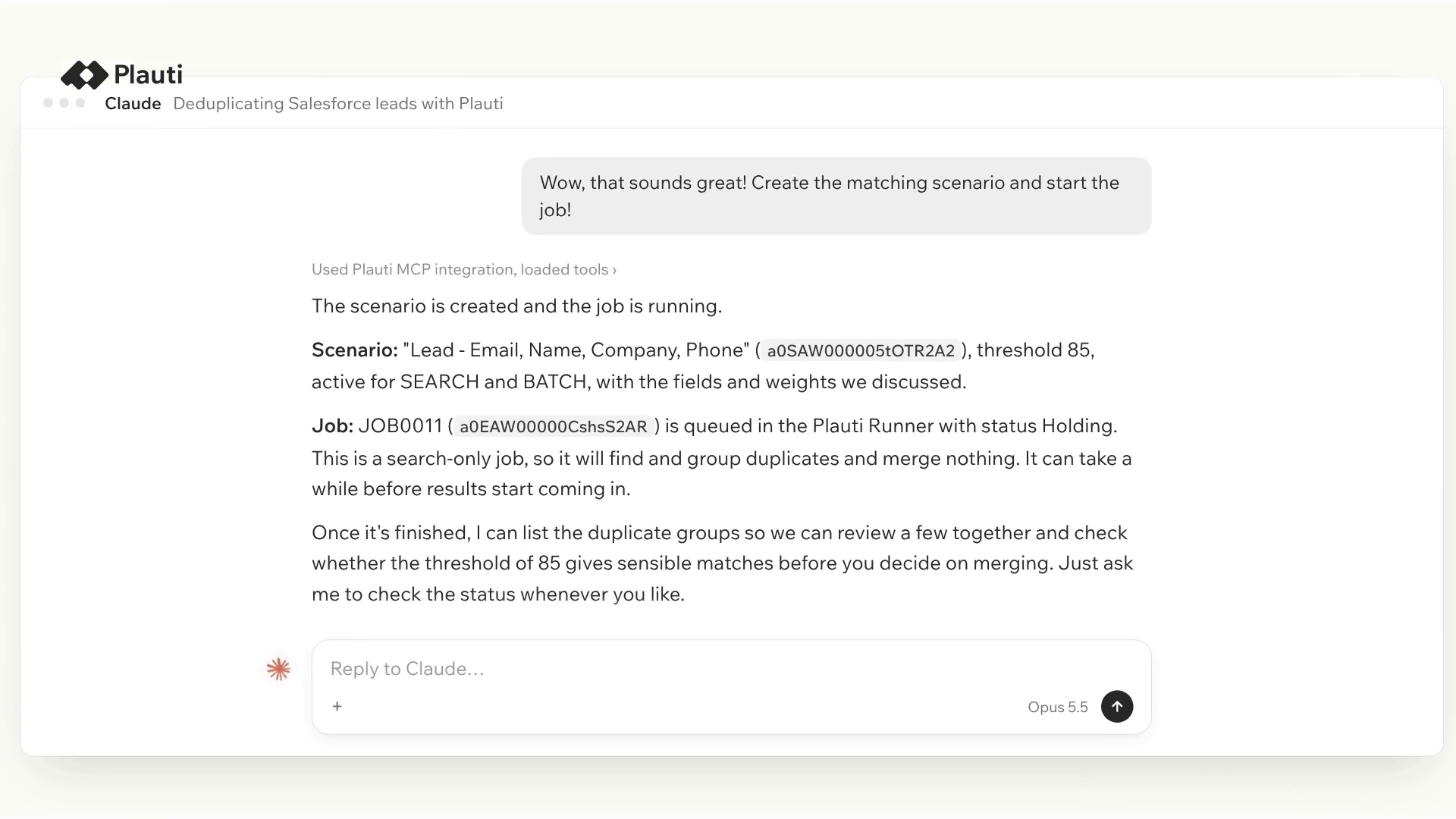
The assistant creates the scenario, then tests it on known duplicate and non-duplicate pairs before it is used in a job.
Before you rely on it, test it yourself on two records. The assistant scores the pair and explains the result field by field, so you see which fields matched and how much each one counted toward the score.
Now a pair surprises you. Two accounts look like the same company, and the scenario does not flag them. You ask:
Why are these two accounts not seen as duplicates?
The assistant scores both records against every Account scenario and explains the score per field. A typical answer points to one field that carries a lot of weight and does not match.
The assistant works from your actual duplicate groups and job results, so what it explains and suggests fits your own data, not a generic example.
You can also ask the assistant to look at the scenario itself:
Review our Contact scenarios and point out weak spots.
It flags issues such as matching methods that are too fuzzy, unbalanced field weights, or an empty-field score method that inflates scores. Because the scenario missed that pair, you loosen one setting and see the effect before anything runs:
Lower the threshold on this scenario to 80 and show me which test pairs now match.
The assistant updates the scenario and rescores the test pairs. Test the same two records again, and when the result looks right, run the job.
You get the why, not only the what. The assistant explains why a pair scored the way it did and what a change to the scenario would do, so you make each choice with the full picture.
The assistant handles the mechanics: which matching method to pick, how to weight fields, where a setting lives. You decide what counts as a duplicate for your business. A vague request gives a vague scenario, so be specific and test it on pairs you know.
Two practical notes. Changing a scenario changes live configuration, so try it in a sandbox first. And it needs the right Salesforce access: if you cannot create or edit scenarios in Salesforce today, you cannot do it through the assistant either.
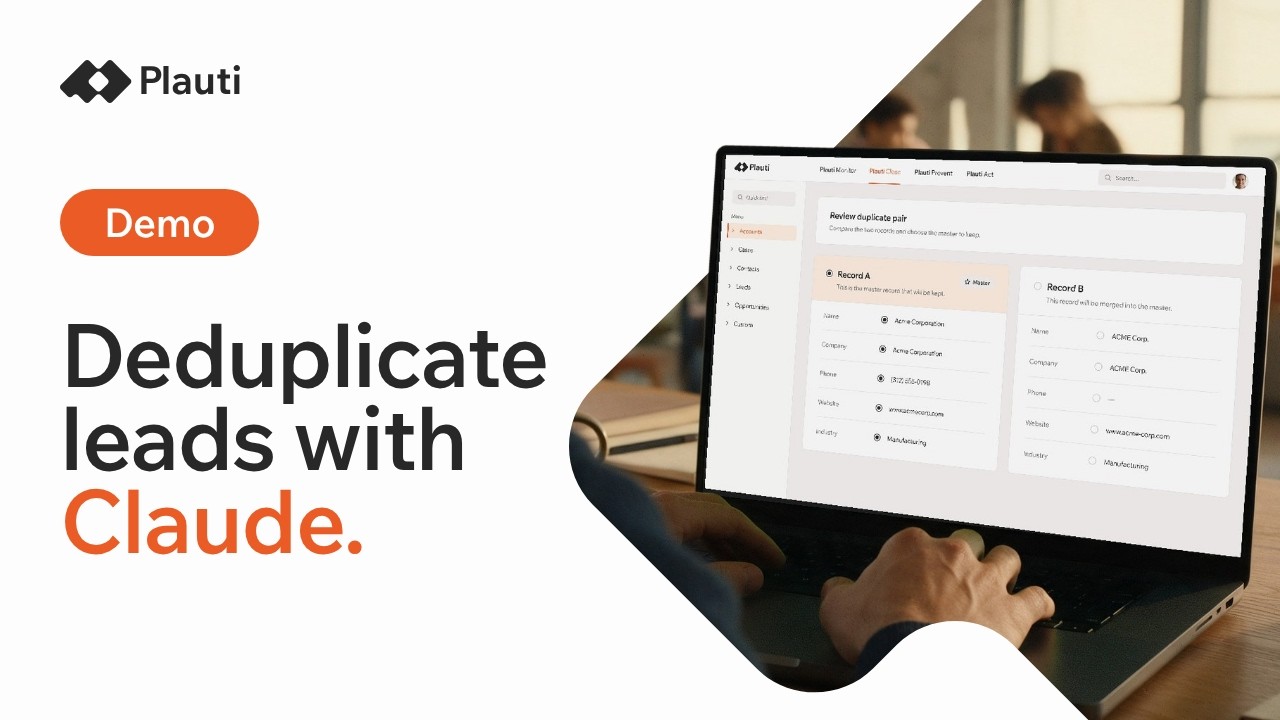
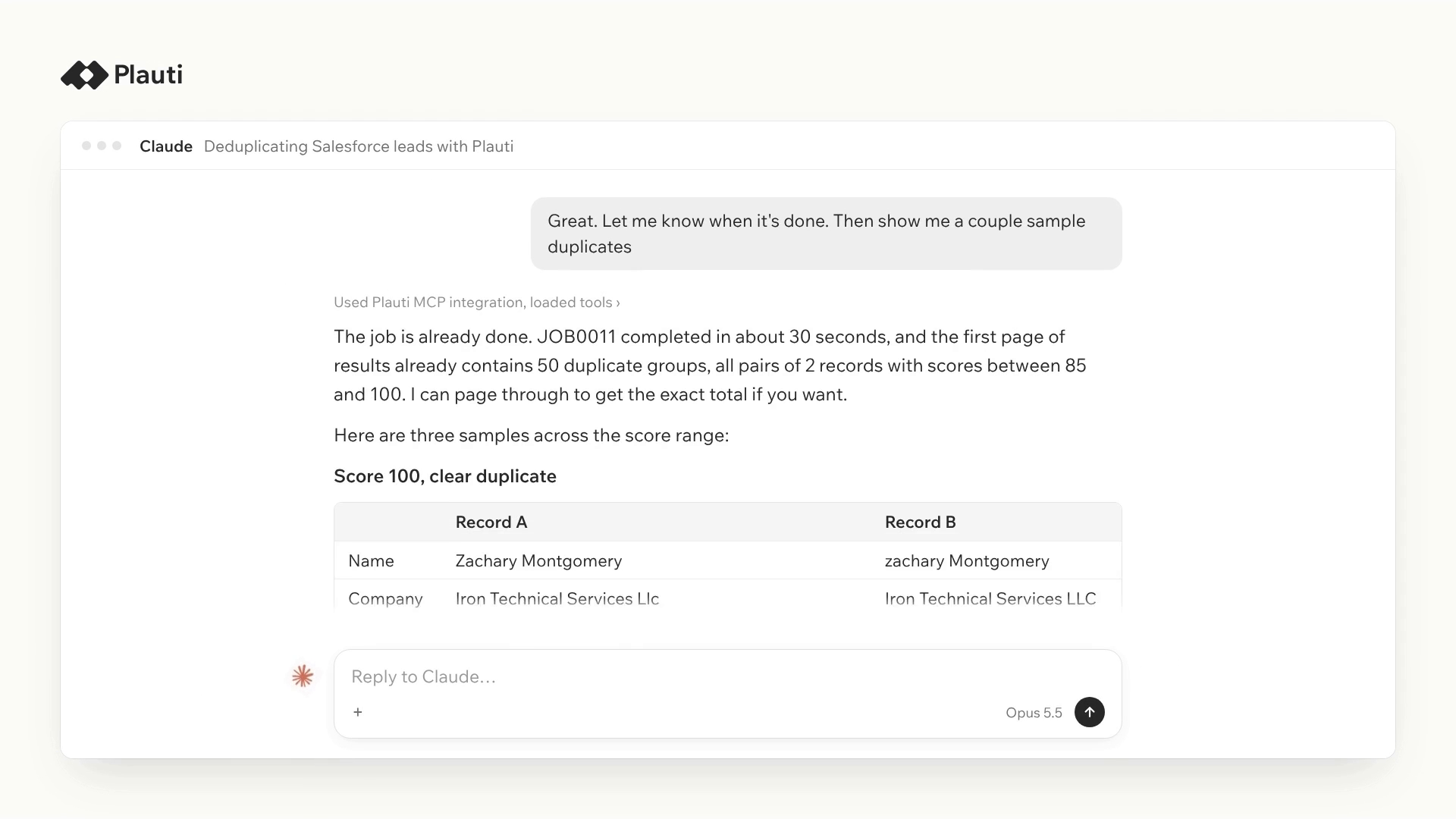
Watch Claude deduplicate Salesforce leads through Plauti MCP.
Finding duplicates does not merge anything. Merging does, so that is where you slow down.
Start by looking:
Show me the top duplicate groups and suggest which record to keep.
The assistant lists the groups and previews a suggested master record, without changing anything. Open a group, and you see the real record values side by side, so you judge the data and not only a percentage. To find where false positives are most likely, ask for the lowest-scoring groups first:
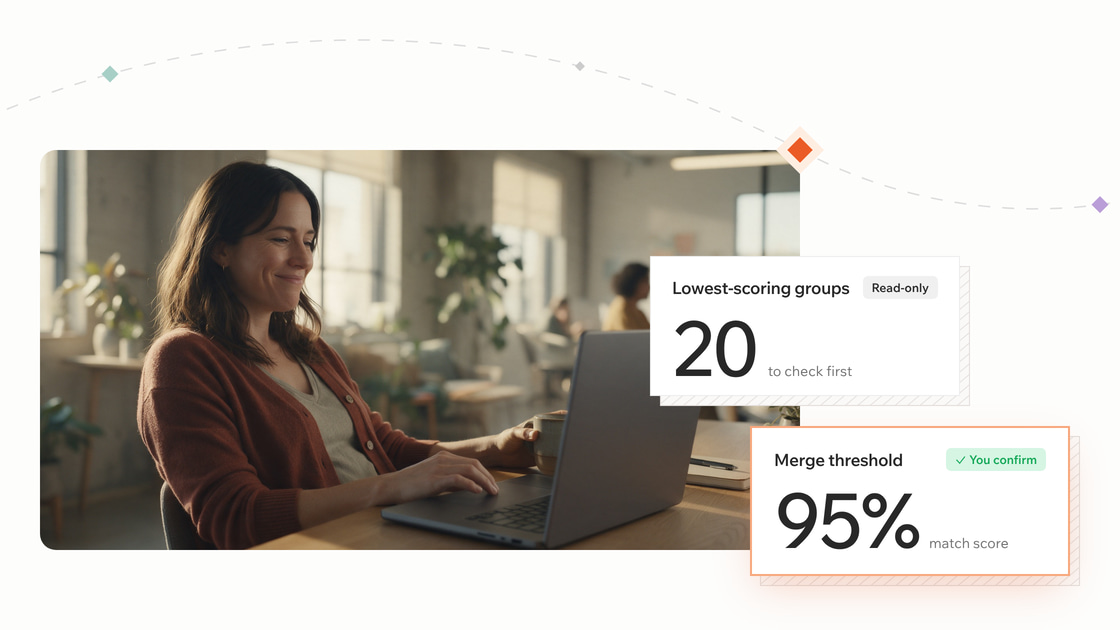
Show me the 20 lowest-scoring groups from this job.
Reviewing groups, explaining scores, and previewing the master record are all read-only.
When you are ready, merge one pair at a time:
Merge this pair but show me the preview first.
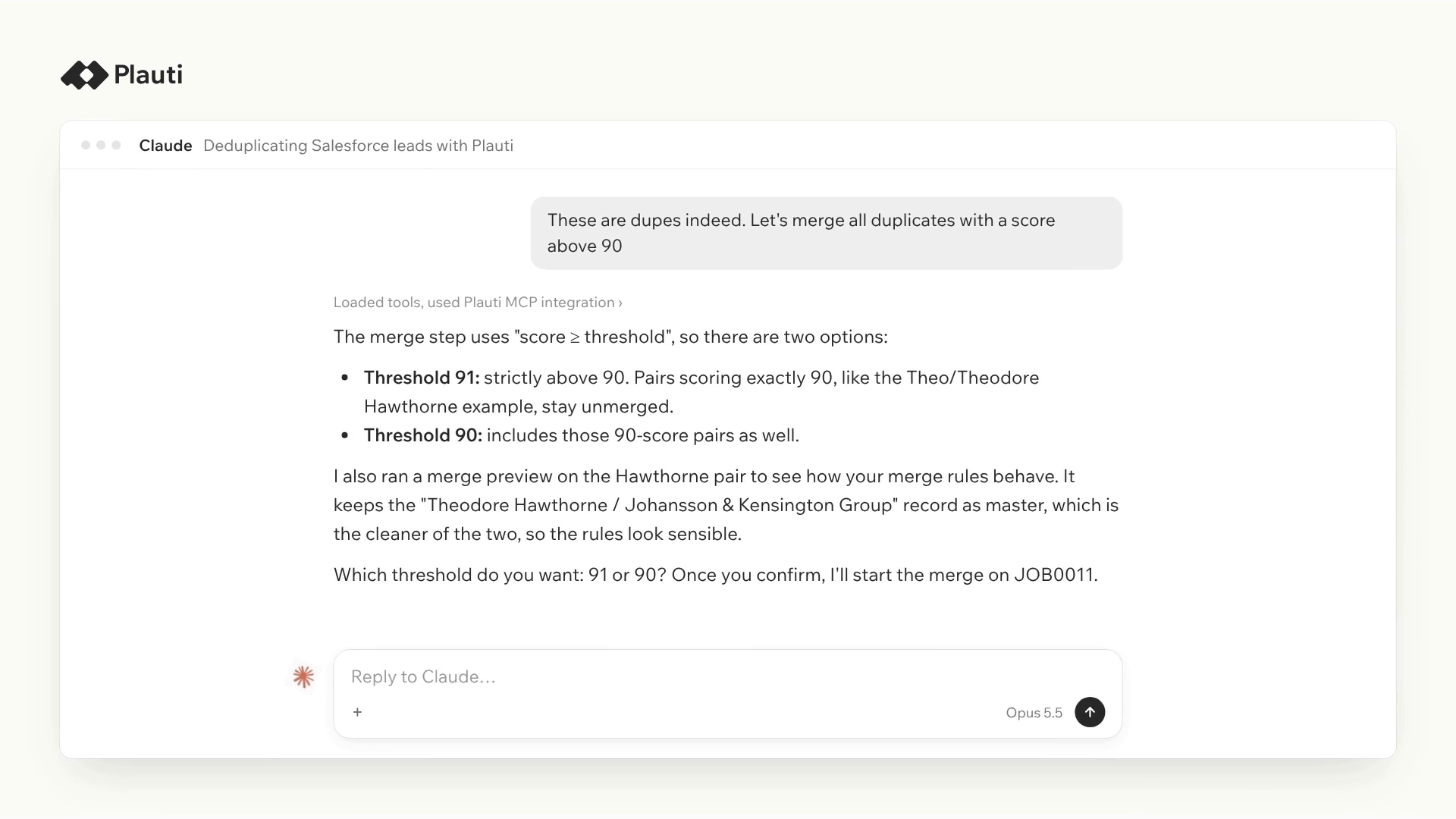
The assistant shows which field values win in the master record, then merges the pair after you confirm. Or merge in bulk, above a threshold you have checked:
Merge all pairs above 95% from this job.
That runs only after you confirm, and only for pairs above the threshold you set.
Robin Hood Foundation found about 2,600 duplicate pairs across 220,000+ contact and account records and could not merge them all automatically: with high-profile donors, every merge decision mattered. The order that works is the same for every org. Test the scenario, run the job, review the lowest-scoring groups, and only then merge above a threshold you have verified. Start with a high threshold for the first automatic merges and lower it once the results hold up. If you use the Plauti restore capability, you can undo a merge if you change your mind.
Some admins ask a coding assistant to write queries and Apex that find and merge duplicates. That works. It also asks you to define the matching, the winning record, and the related records yourself, and then to review the code. With headless deduplication, you describe what you want, and the assistant uses the deduplication tools that already exist: your scenarios, scores, and merge logic, with a preview before anything changes. Both routes end with a person deciding what merges, so here is how they compare, and you can decide which fits your org.
| What to compare | DIY: a coding assistant writes queries and Apex | Headless deduplication |
|---|---|---|
| How you ask for it | You describe the task and the assistant writes code that finds and merges duplicates | You ask in plain language, for example “How many duplicate contacts do we have?” |
| What you need to know | Enough to review all the generated code | Nothing about where settings live. One technical person sets it up once |
| How duplicates are found | You define the matching yourself | Your scenarios: fields, matching method, weights and threshold. |
| Seeing why records matched or did not | Depends on what you ask the code to report | The assistant tests a scenario on two records and explains the score field by field |
| Shaping your scenarios | You edit the matching in the code and run it again | Ask what a scenario does, update it, or have the assistant suggest improvements. It doesn’t merge blindly: it shows why each record is part of the job and which scenario drives that decision. Ask it to search for duplicate leads and it offers an existing scenario or helps you create a new one |
| Reviewing before anything changes | Preview the query and test in a sandbox | Groups, scores and master record previews are read-only. Merges run after you confirm |
| How records are merged | You define the winning record and how related records are handled | The same merge logic you already use in Plauti |
| Safety net | No automatic rollback | Salesforce permissions apply, merges need your confirmation, and you can try everything in a sandbox first |
| Reusing it next time | Scheduled Apex | Scenarios and jobs stay in Plauti, so you can update and run them again |
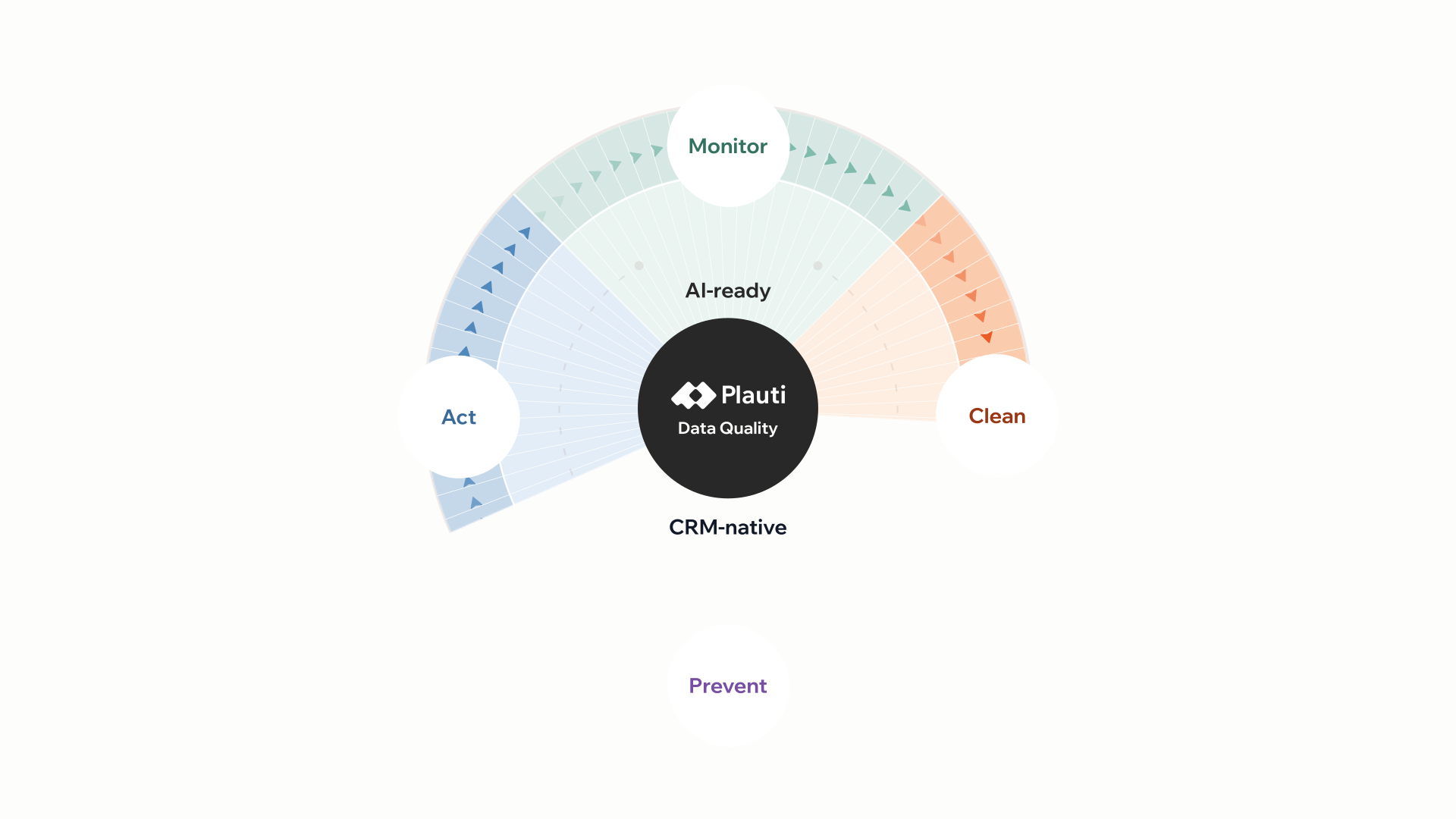
Duplicates are the start of Clean. Clean also covers verified emails and addresses and standardizing objects in bulk. Those are separate capabilities, not part of headless deduplication.
Before you clean, it helps to know where you start. Hao Lyu, Director of Business Intelligence at Robin Hood Foundation, put it this way:
“The system is only as good as the data that is in our system.”
But what do you know about the state of your data? Monitor shows a score out of 100 for each object and field, with a trend over time. Try it on your own org to see the state of your data first, then decide what to ask your AI assistant to clean.

Case studies
Robin Hood Foundation identified 2,600 duplicate contact pairs, merged 1,427 in two weeks, and now stops duplicates at the point of entry inside Salesforce Flow.
Blog
Most Salesforce data quality tools cover one stage and stop. See how Monitor, Clean, Prevent and Act work as one lifecycle instead of four separate tools, and what breaks when a team only runs one.
Yes to both. It does not check every group. It focuses on groups with many pairs or the lowest scores, then suggests improvements or explains why a match was a false positive. You can also test the scenario on two records yourself.
Start with “How many duplicate contacts do we have?” Then ask about your scenario: “Review my scenarios”, “Can you suggest changes?” or “Should I change some of the weighting?” Before you merge anything, ask it to show the top groups and suggest which record to keep.
Yes, record values can. When the assistant shows records side by side or explains a score, those values go through your AI assistant. Deduplication jobs run on your own machine. Check this against your AI and data policies before you start.
You don't need special commands. Ask in your own words, for example “Review our scenarios and point out weak spots”, “Make a scenario that matches records on email and company name” or “What's the status of my job?”. More example prompts are on the Plauti Success Hub.
No extra cost from Plauti. It's included in your paid Plauti license. It uses your own AI assistant, and Plauti doesn't have access to what you type in your conversations.
Connect your AI assistant to Plauti, ask how many duplicates you have, and review the groups before anything merges. A technical colleague sets it up once.
Deduplicate from your AI assistant's chat.