Meet us at Convergence in Miami
See how Plauti keeps your Dynamics 365 CE data clean and AI-ready.
December 8 to 11 · Booth 411
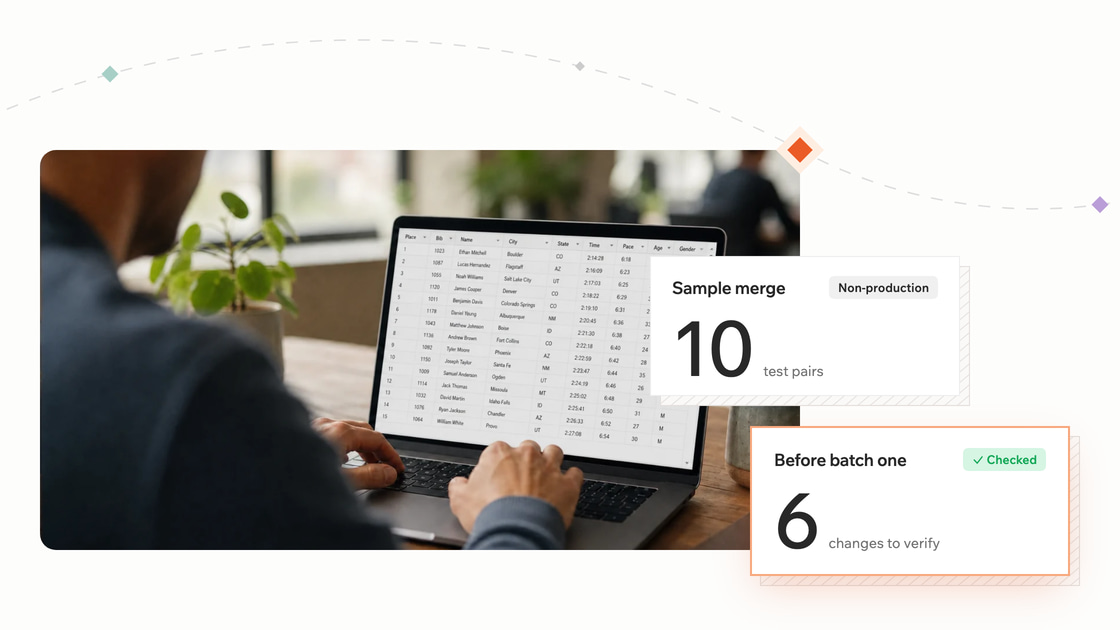
A merge in Dynamics 365 CE moves the related records of one record onto another and deactivates the record you didn't keep, so it is fair to ask what could break. This article covers what a merge changes, how to check each change on a small sample first, and a safe order of work for the full cleanup.
The worry is reasonable. A merge touches more than the two records you can see on screen: their child records, their parent links, who has access to them, and anything else in your environment that points at them.
A merge changes six things beyond the field values you see in the dialog, and Microsoft documents most of them. Know each one before you run a batch.
| What a merge touches | What Microsoft documents | What to check first |
|---|---|---|
| Child records | The record you keep inherits all of the other record's child records (admin guide). For tables that can be merged, the relationship's merge behavior must be Cascade (relationship behavior). | List the related records on both sides by type. After a test merge, confirm the surviving record shows both sets. |
| Parent links | A merge can stop with a "differently parented" or "might lose its parenting" error, and the person merging can turn off the parent check in the merge dialog (relationship behavior). The parent account and parent customer columns don't appear in the merge dialog (merge duplicate rows). | Compare the parent of each record before you pick the survivor. Treat a parenting error as a reason to review the pair, not an error to switch off. |
| Access | In Microsoft's Account examples, after a merge the owner of the deactivated record can read both the surviving record and the deactivated one. Users on the deactivated record's access team or owner team are not added to the surviving record's team (admin guide). | Note who owns and shares each record. After a test merge, check access with a user from each side. |
| The deactivated record | It is deactivated, not deleted (admin guide). | Check any report, flow, or integration that looks records up by name or ID, because the old record still exists as inactive. |
| Documents | Merging records that have a SharePoint document library merges the records, not the libraries (merge duplicate rows). | Check where each record's documents live and plan to move them. |
| Automations | Microsoft doesn't list which automations run during a merge. It does say a cascade job that pauses after repeated failures can point to problems with existing plug-ins, data, or workflows (relationship behavior). | List the plug-ins, flows, and workflows that act on the related tables and include them in your test merge. |
Two environment database settings, GrantFullAccessForMergeToMasterOwner and GrantSharedAccessForMergeToSubordinateOwner, change the access results. Ask your administrator which values your environment uses before you test.
The interface also limits what you can merge. It works on Account, Contact, and Lead records only, two records at a time (merge duplicate rows). The Web API adds Case (Web API merge).
Write down your survivorship rules first, because the merge dialog turns every pair into a judgment call and different people will judge differently.
Start with the record you keep. A rule beats a gut feeling, and these are common ones:
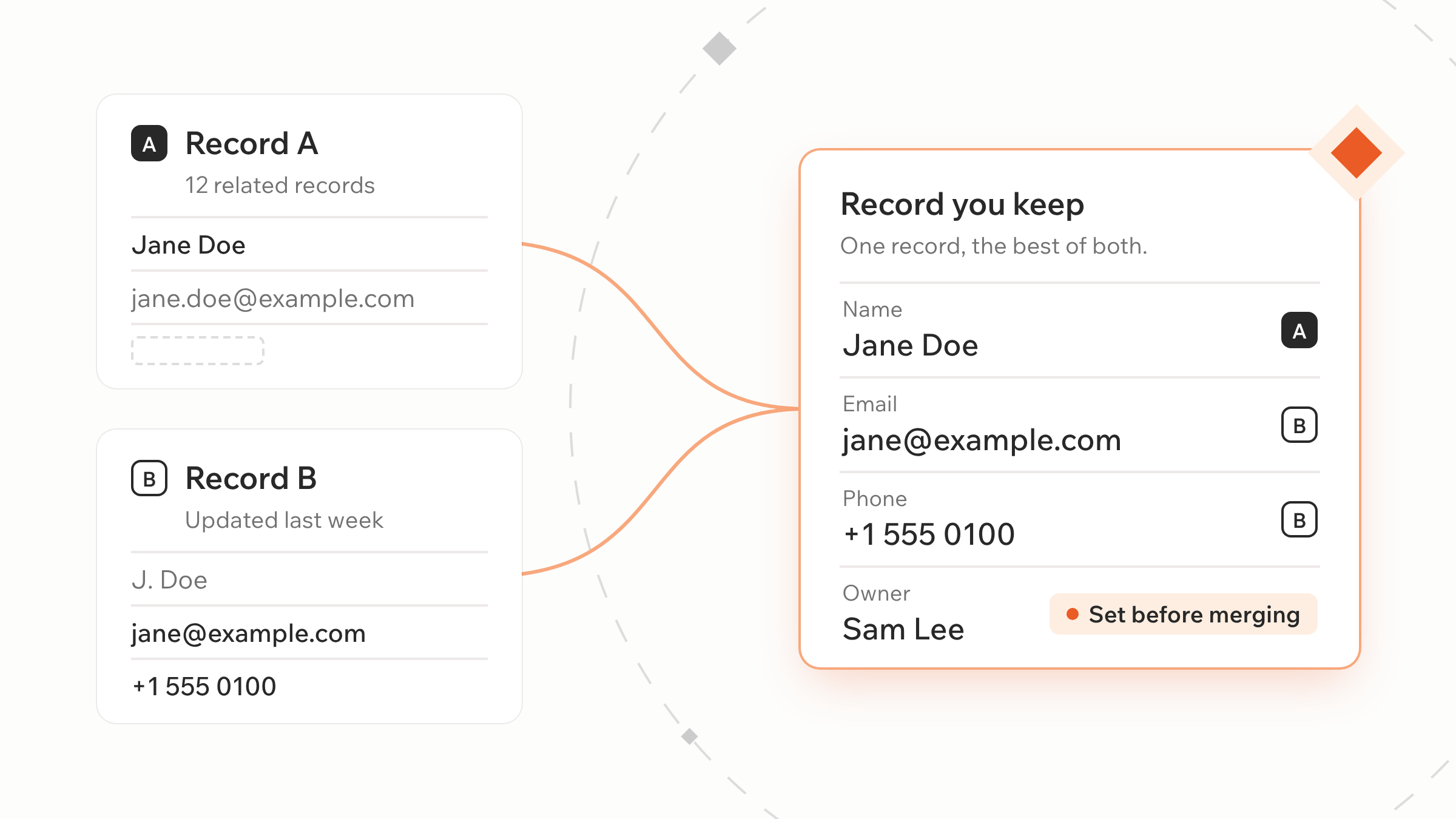
Then set a rule for the field values. In the native dialog you choose, column by column, what to take from the other record, and data in those columns may override what the record you keep already has. For each column that matters, decide whether the surviving value always wins, whether the other value fills a gap only when the surviving one is empty, or whether the most recently updated value wins.
Some columns can't be taken from the other record at all. Microsoft lists the parent account column on Account, the parent customer column on Contact, and owner columns among those that don't appear in the merge dialog. If the other record has the better owner or parent, fix that on the surviving record before you merge.
One page is enough: the rule for choosing the survivor, plus a rule for each column you care about. Everyone who merges works from the same page.
Merge about ten pairs in a non-production environment that holds a recent copy of your data, and compare before and after, so you find surprises there and not in production.
Run the cleanup in stages, with the same checks after each stage and a rule for when to stop.
This order works with native merge. The limit is volume: the interface merges two records at a time, so thousands of pairs means thousands of manual decisions, and different people will make them differently.
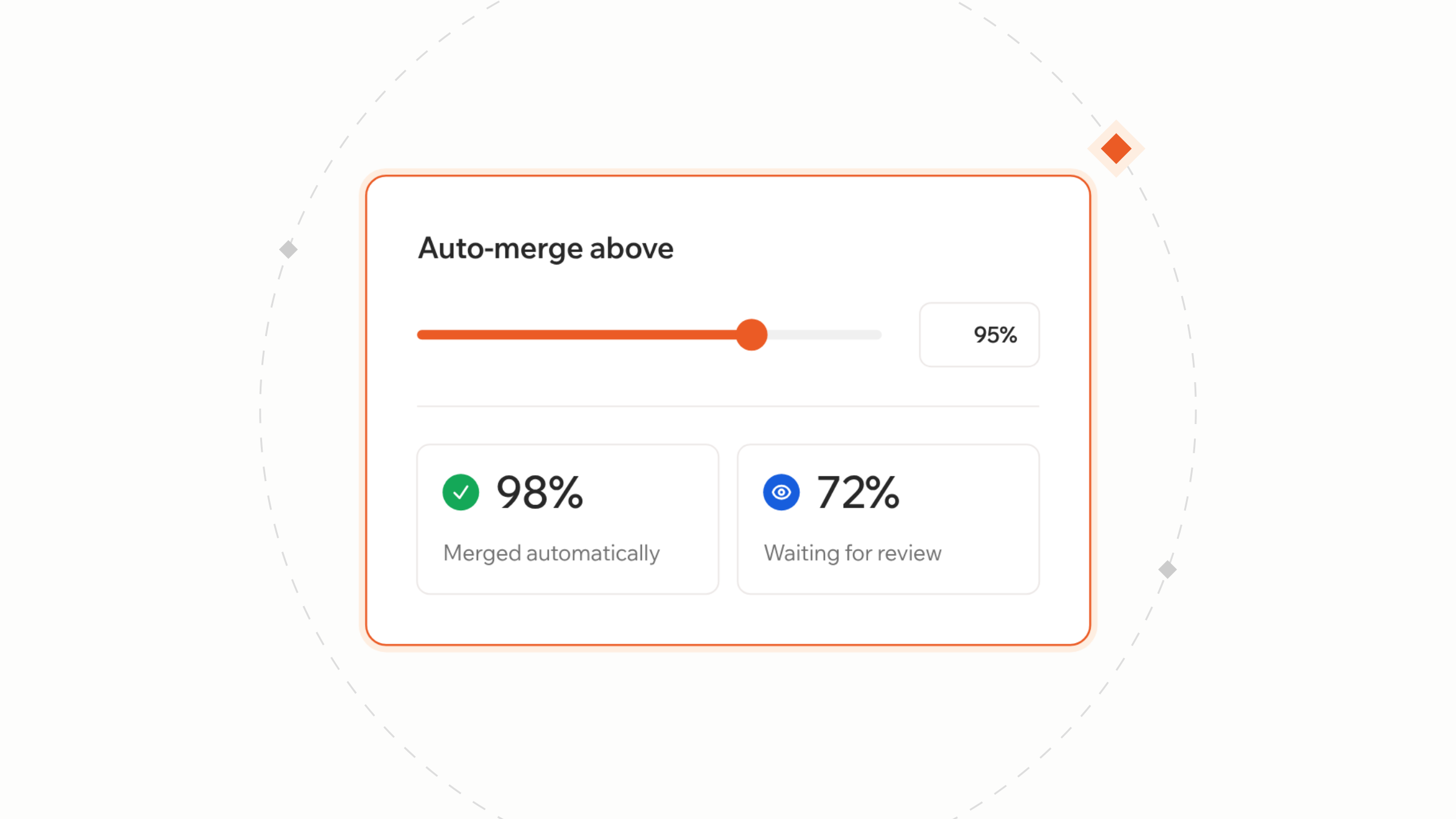
Native merge asks a person to apply your survivorship rules by hand, two records at a time. Rules that apply themselves, and a cap on which pairs merge automatically, are what a merge tool adds.
Plauti builds data quality software for Dynamics 365 CE. Finding and merging duplicates is part of Clean, the stage that fixes what's wrong. You set a master record rule, which decides the record you keep, and field rules, which decide which values win. Both apply to every merge, whether one person merges a pair or a job merges many.
For automatic merges, you set a minimum matching percentage, and only pairs that score at or above it merge. Plauti's documentation recommends a percentage near 100% because you don't see each planned merge beforehand. Lower-scoring pairs stay in the job for manual review (Auto Merge documentation).
The same documentation is direct about limits. Related records are reparented to the surviving record whenever possible, but timeline auto-post metadata can't be merged. A setting lets you name relationships to leave out of a merge. And merging, including auto-merging, can't be undone, so test on a sample and back up first, as you would with native merge.

Blog
A Lead can pass Dynamics 365's duplicate check even when a matching Contact already exists, because rules run per entity. How to build cross-entity rules, and where detection stops.

Blog
Manual cleanup, alternate keys, native detection, Power Automate flows, or a migration tool: what each approach to Dynamics 365 CE duplicates really costs.
In the interface, Account, Contact, and Lead, two records at a time. The Web API also merges Case.
It’s deactivated, not deleted. Its child records move to the record you keep.
The two records have different parents. You can turn off the parent check in the merge dialog, but it’s safer to review the pair first.
No. It merges the records, not their document libraries, so plan to move the documents yourself.
Plauti's Dynamics 365 CE page shows how the stages fit, from data health checks to stopping duplicates at entry.
See how Plauti keeps your Dynamics 365 CE data clean and AI-ready.
December 8 to 11 · Booth 411
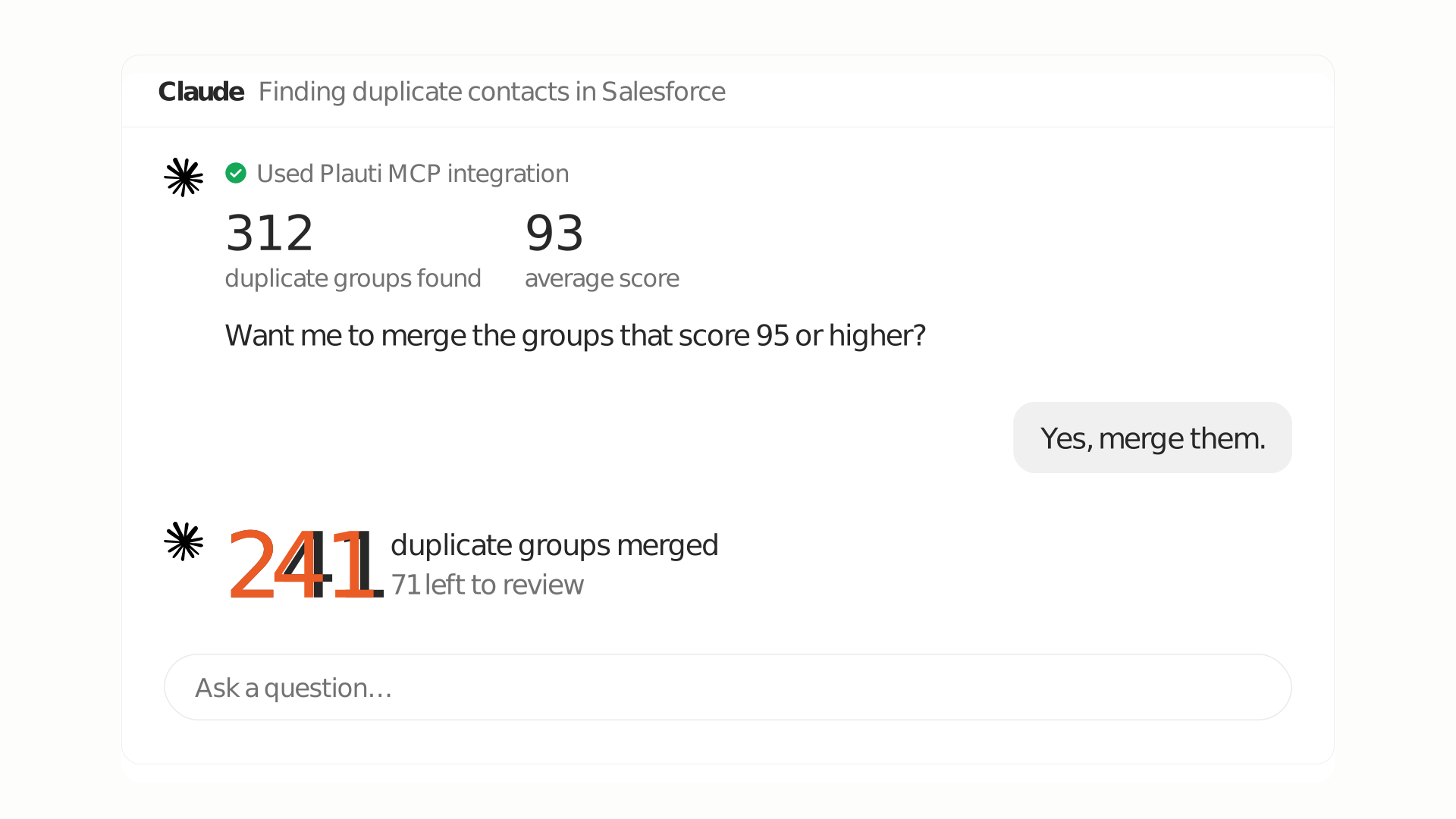
Deduplicate from your AI assistant's chat.