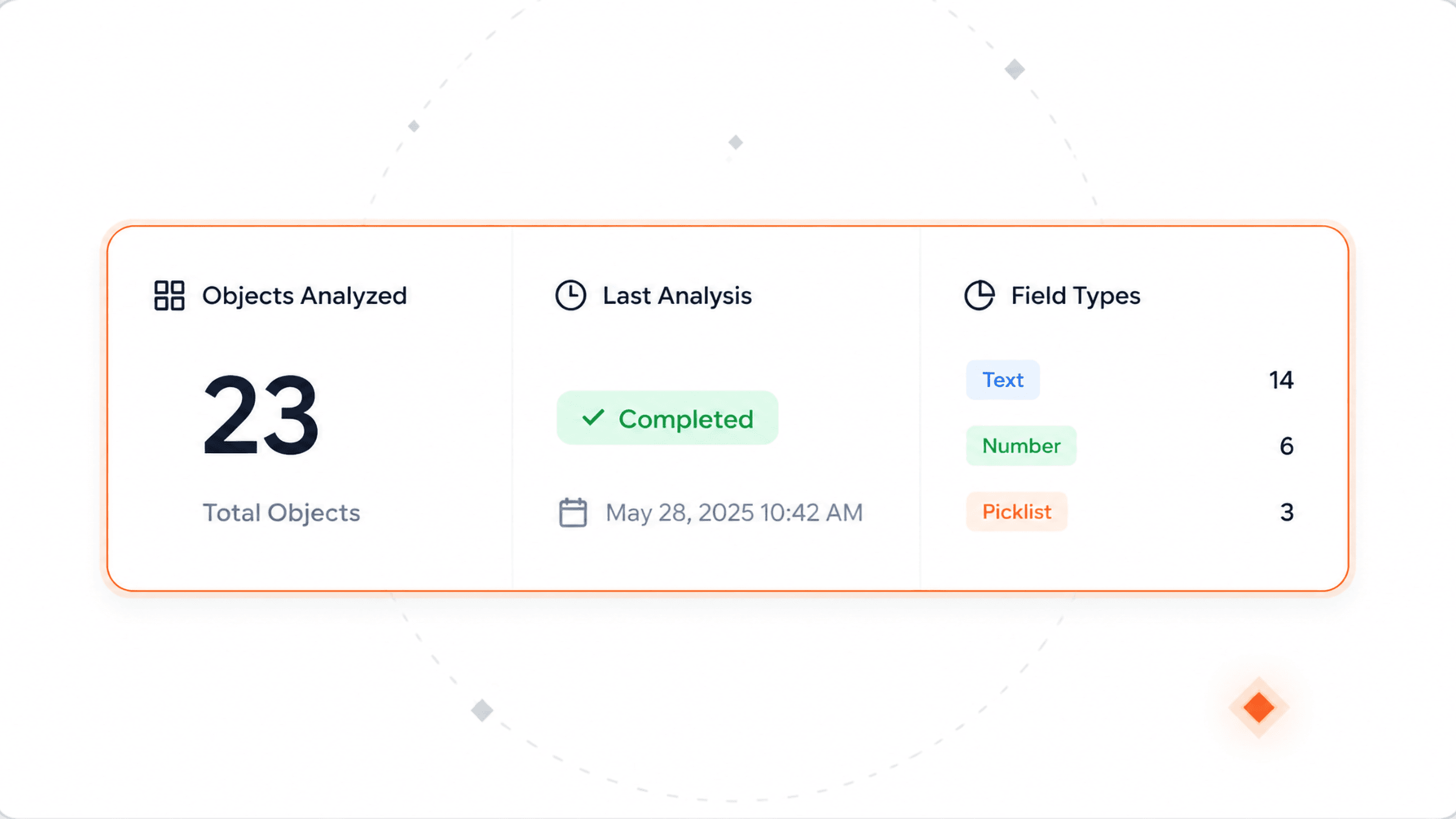
What's covered, and when it last ran
How many objects are in the library, which analysis ran last and whether it completed, plus a field-type breakdown across all of them.
One page per object, one per field, one search across all of them. Reliable context for humans and AI, with missing descriptions flagged.
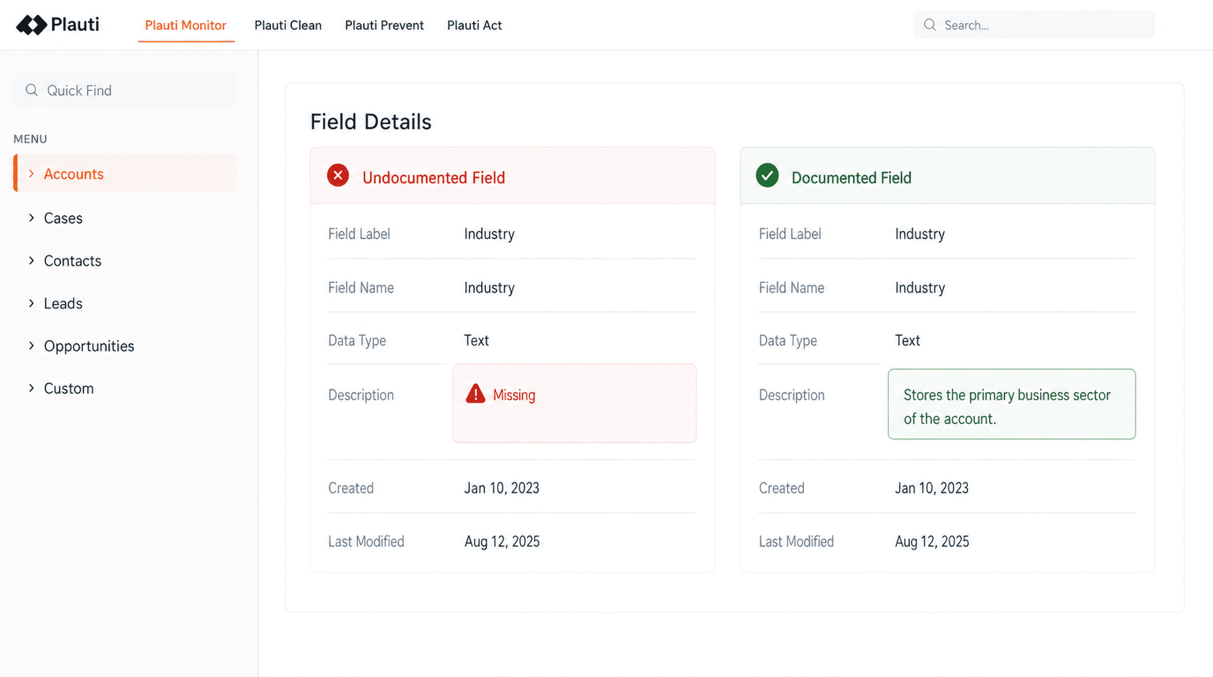
Which objects are in the library, how the last analysis job went, and a route into every object and field.
How many objects are onboarded, which job ran last, and whether it completed.
How much analysis and metadata has built up, and where the space goes.
Drill down from the index, or type part of a name and skip the hierarchy.
How many objects are in the library, which analysis ran last and whether it completed, plus a field-type breakdown across all of them.
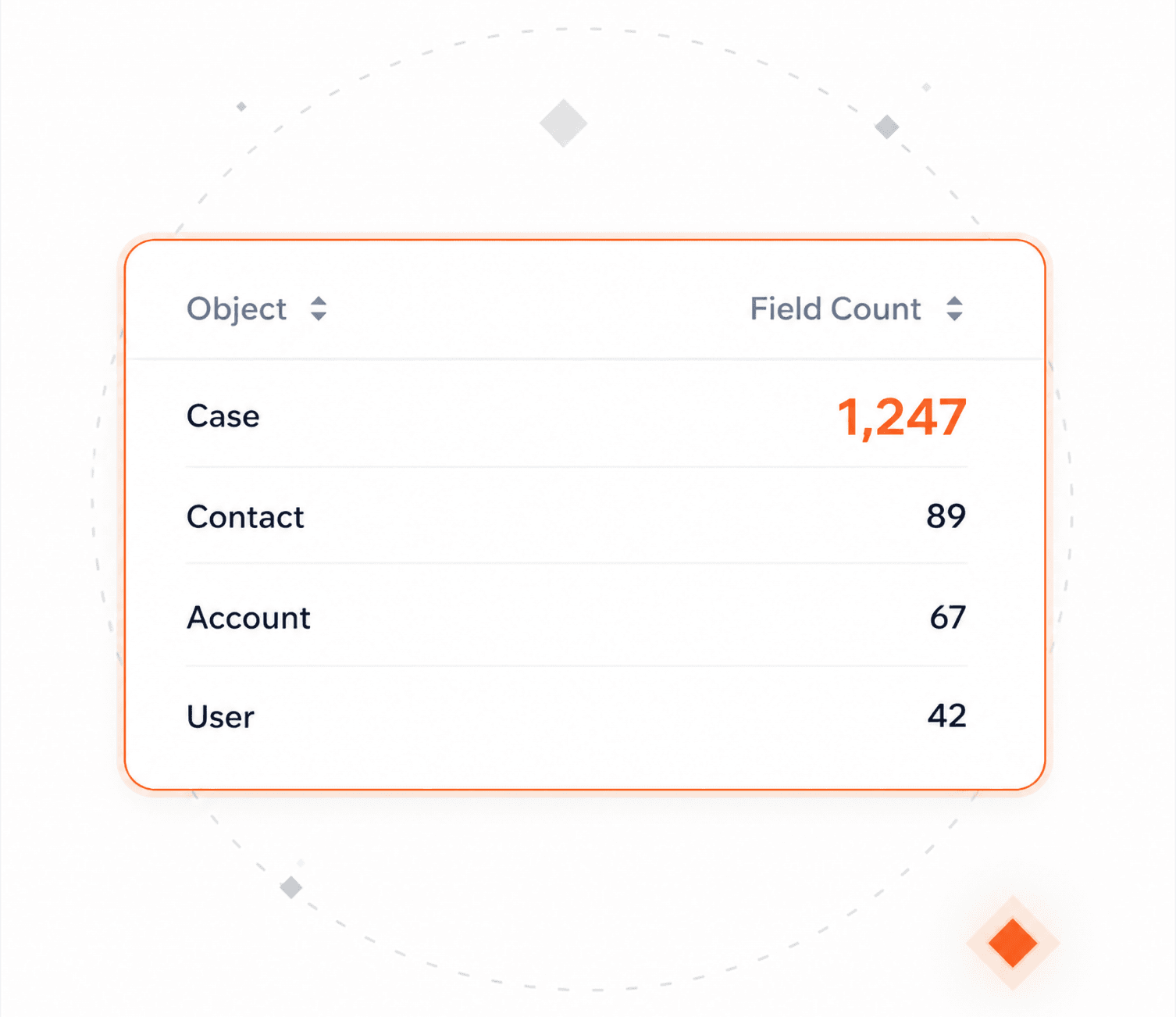
Every object in one sortable table, with the number of fields found on it. That number is usually the shock.
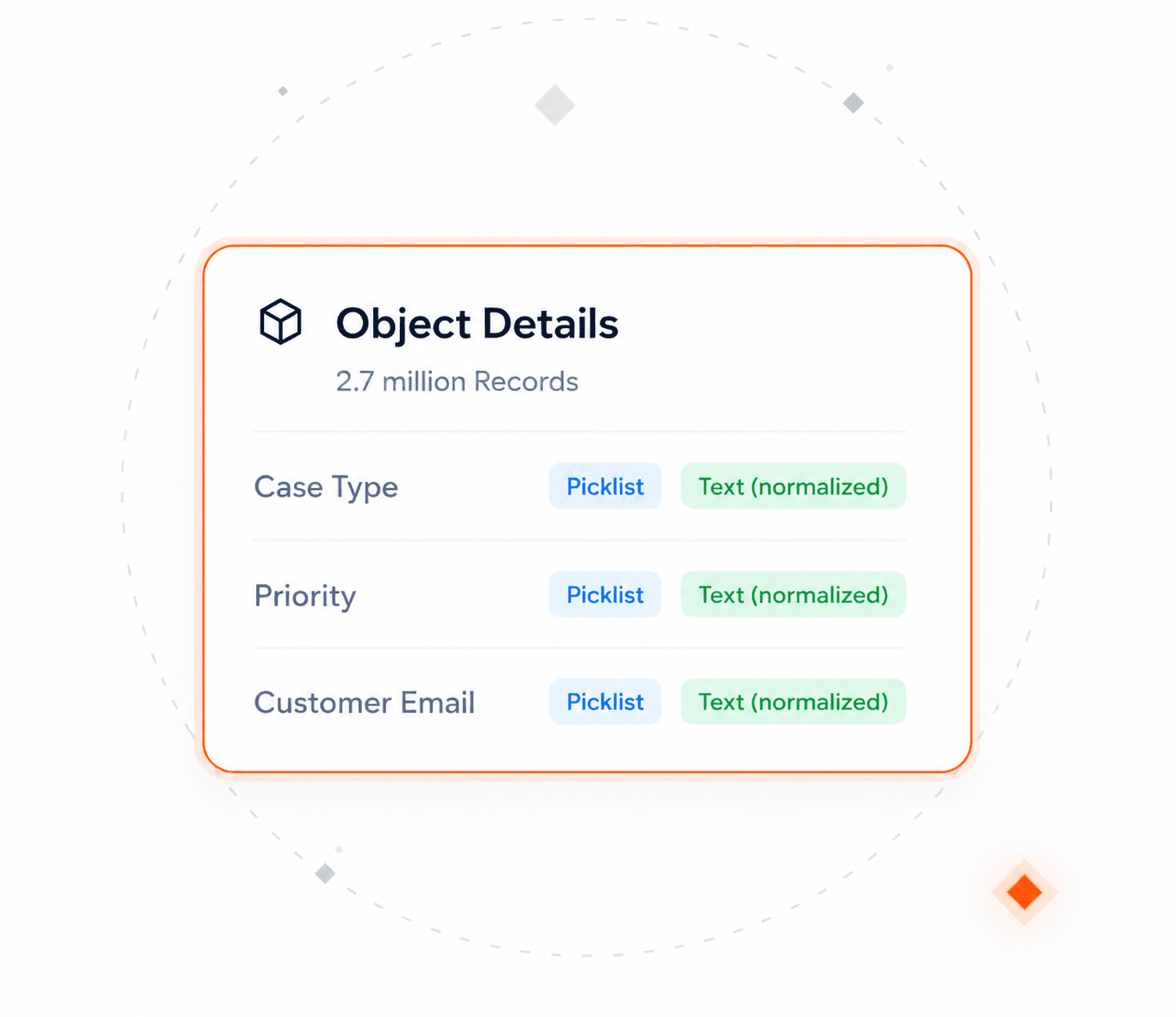
Record counts, and every field with two types: the exact one your CRM reports, and the normalized one used for analysis.
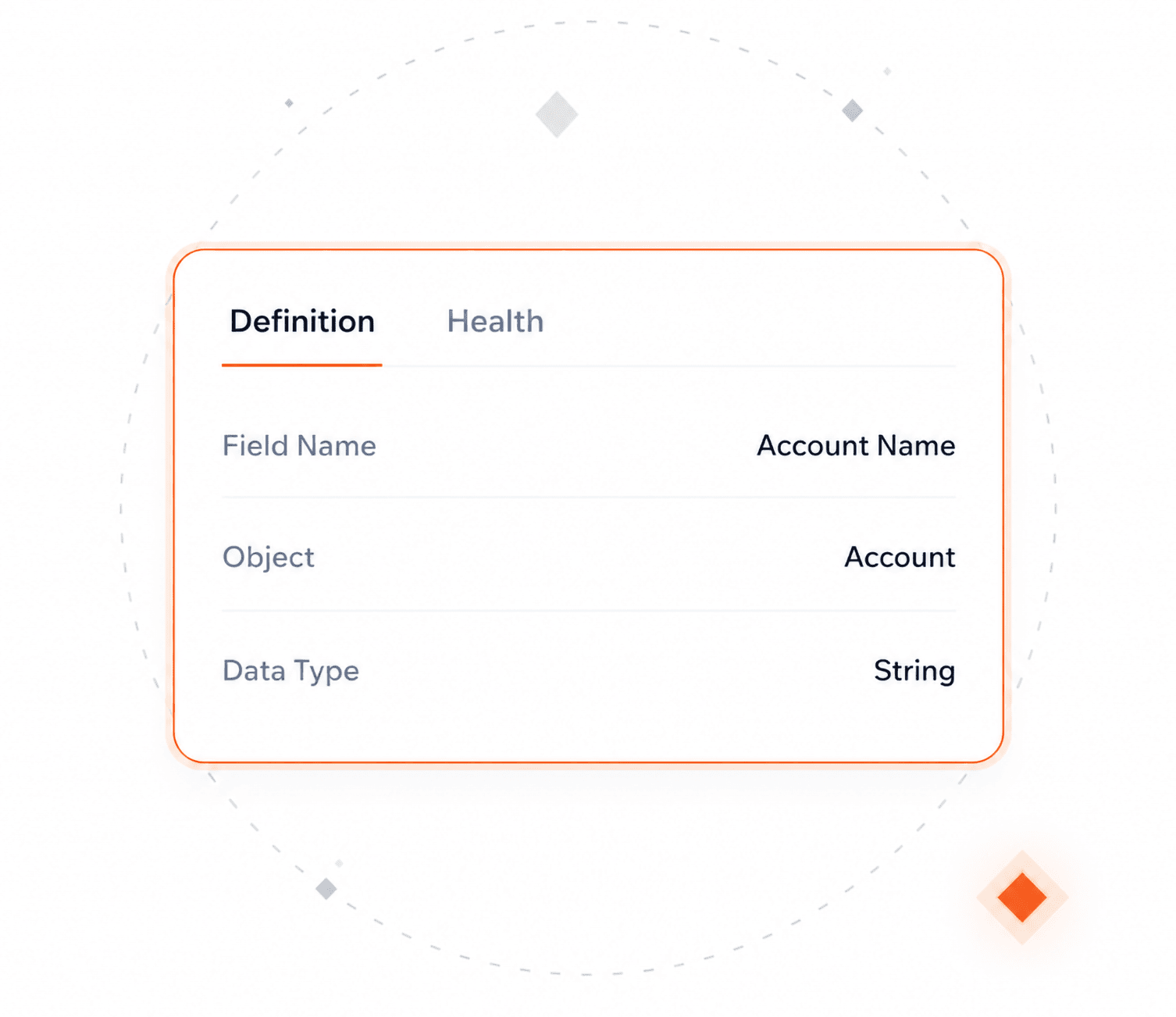
Its definition on one tab, its results on the other.
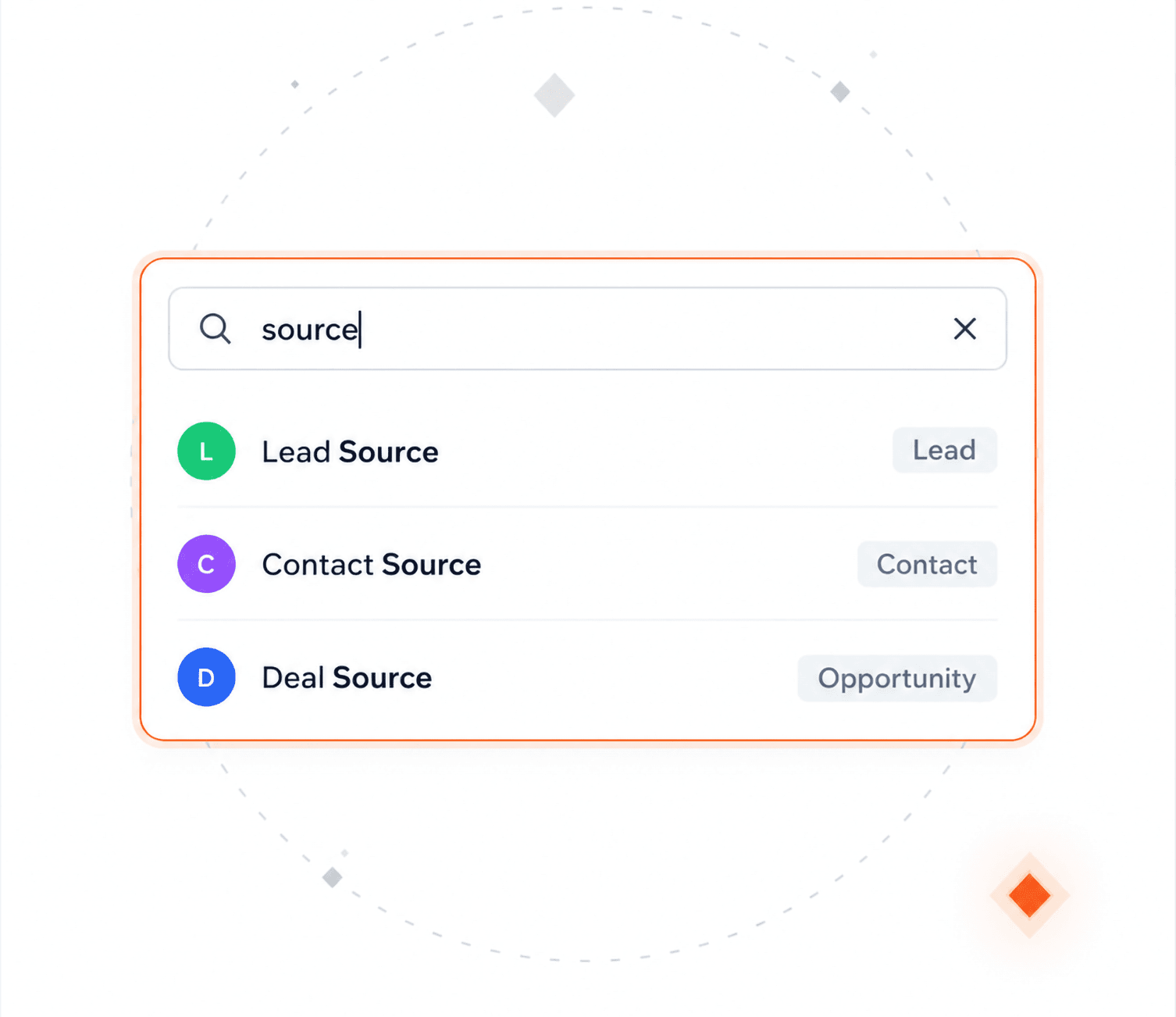
Type “source” and every Source field appears, across every object at once.
Add the objects that matter, and deselect the fields that don't.
The metadata stays your CRM's. Changing it still happens there.
Re-sync one field or a whole object, or run a new analysis.
Not a list of what exists. What each field holds, and how healthy it is.
Interactive product tours. No install, no sales call.
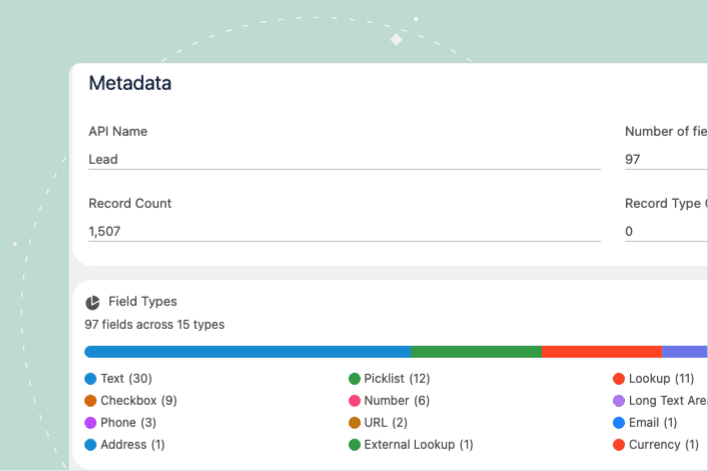
Every field in your org, documented and scored, automatically.
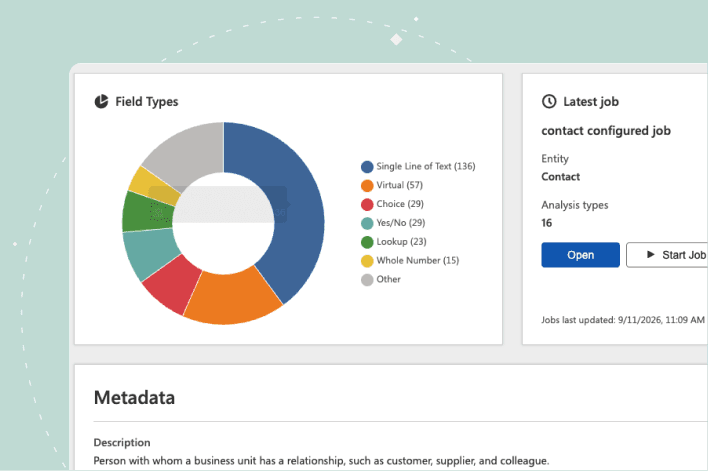
Every field in your environment, documented and analyzed.
AI readiness
"There’s a lot of room for AI to help our end users do their jobs better. That’s one of our big driving factors for adding more Plauti use cases this year, making sure all of our data is as accurate as possible so when we start implementing AI, it’s using good data, not something skewed."

Alex Casey — Sales Technology Innovator
Wedgewood Weddings

Because without one, nobody can answer the first question anyone asks about a field: why does it exist? The same question comes back to you as a ticket, cleanup stalls because no one can say what is still needed, and every new field makes the guessing worse.
It gives you the evidence, not the verdict. You see how often the field is actually filled in, and how often the value is just the default nobody changed. A field sitting at two per cent is dead weight. Layouts, reports and automations are not tracked, so check those before you delete.
Those tools tell you how your CRM is configured. This tells you whether the data in those fields can be trusted, a different question. A catalogue shows that a field exists, its type and where it appears. It will not tell you the field is barely filled in, that nobody ever described it, or that what was clean last quarter has drifted since.
Because a description only tells an agent what a field is for. If the data in that field is missing, inconsistent or wrong, the agent still gets it wrong. This shows you both halves: whether the field is described, and whether what is in it holds up. The data check comes first.
Most of what a team knows sits in one or two people's heads. Even then, nobody recalls which fields are barely filled in or which never got a description. This writes it down, where the rest of the team can read it.
Talk with one of our experts to see how that works for your use case.