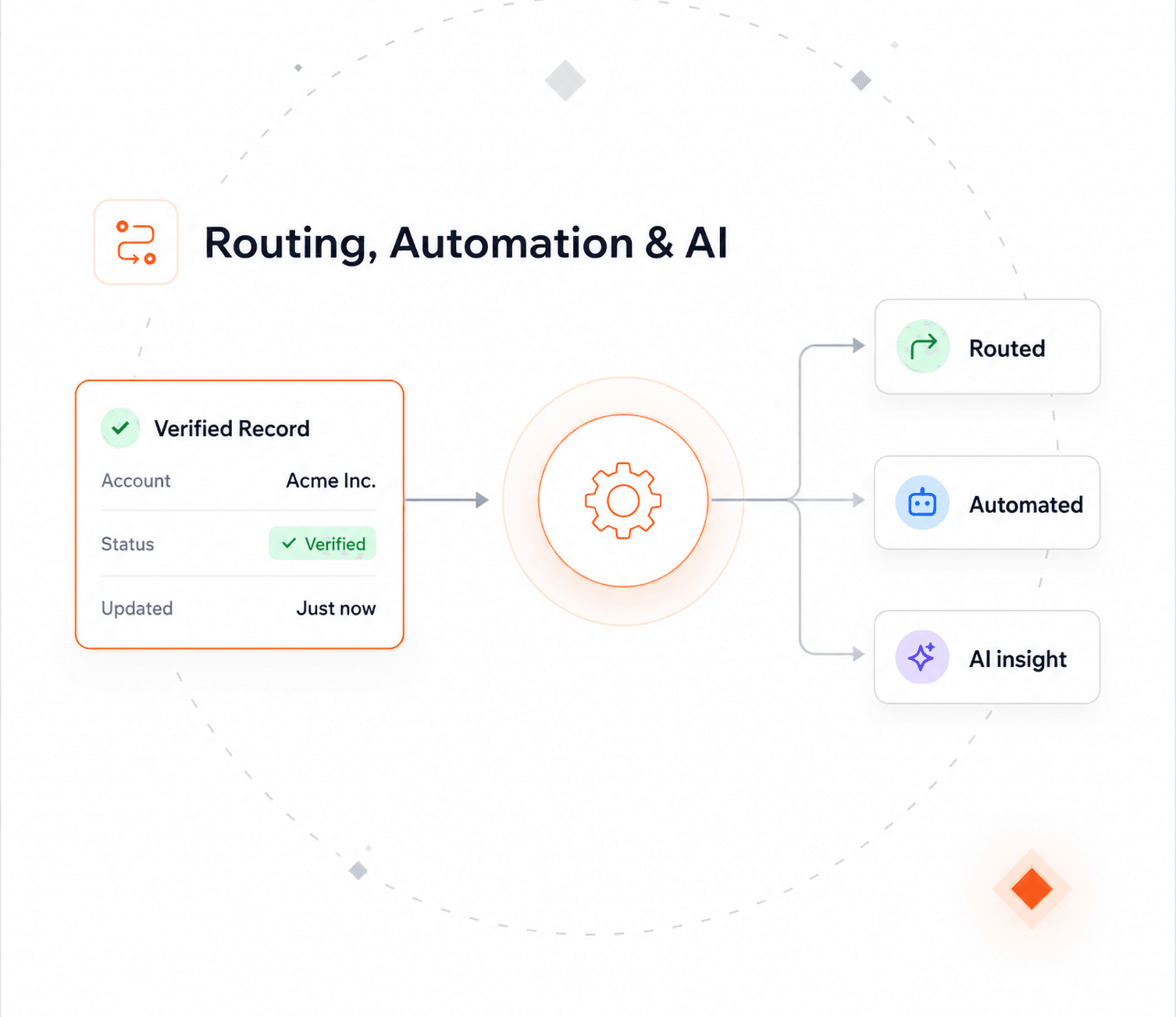
On the record, as it is filled
Phone numbers get checked and formatted as you type, before anyone saves.
Your CRM stores whatever was typed in. It cannot tell you if a number actually connects. Verification checks it and saves the result on the record.

Each check saves the result, a standardized version of the number, and the date it ran.
Checks the country code and the number itself, then puts it into one consistent format.
Run a job over the records already in your CRM. Filter which ones, and schedule it to repeat.
Phone numbers get checked and formatted as you type, before anyone saves.
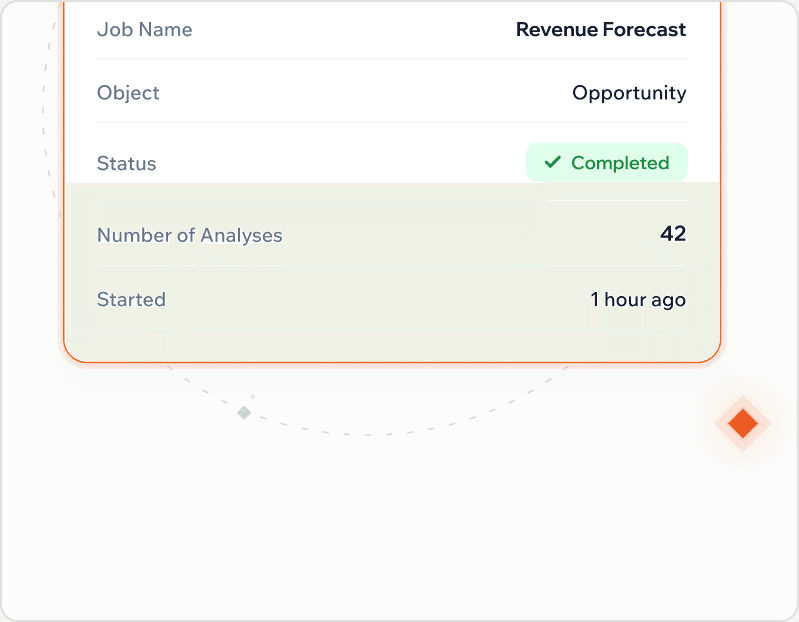
Filter the record set, pick the numbers to check, then let auto-process handle the outcome, fixed where it can be, flagged where it can't.
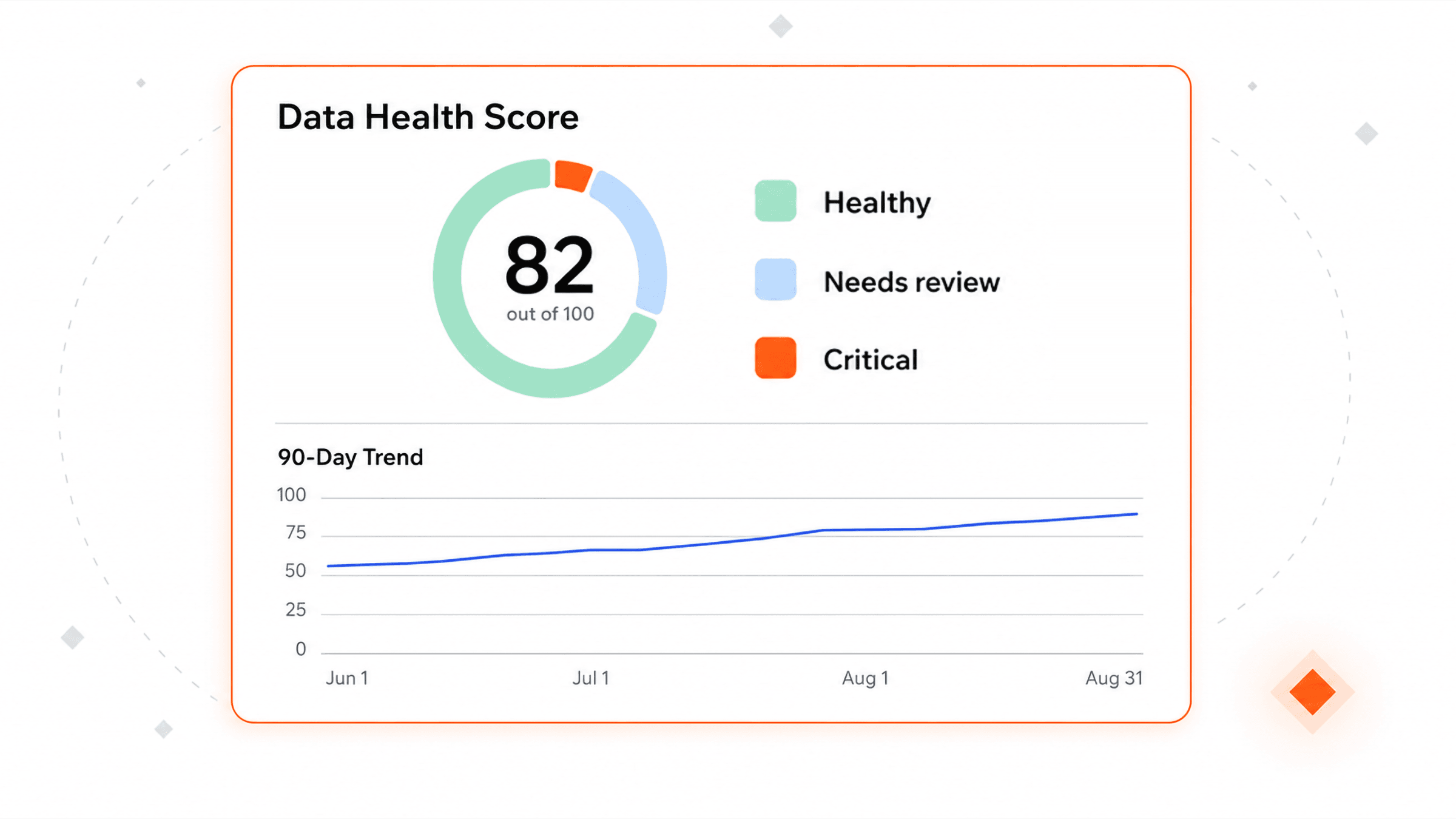
Results land in fields you choose, one per check. "Is this number reachable, and when did we last check?" becomes a question the record can answer on its own.
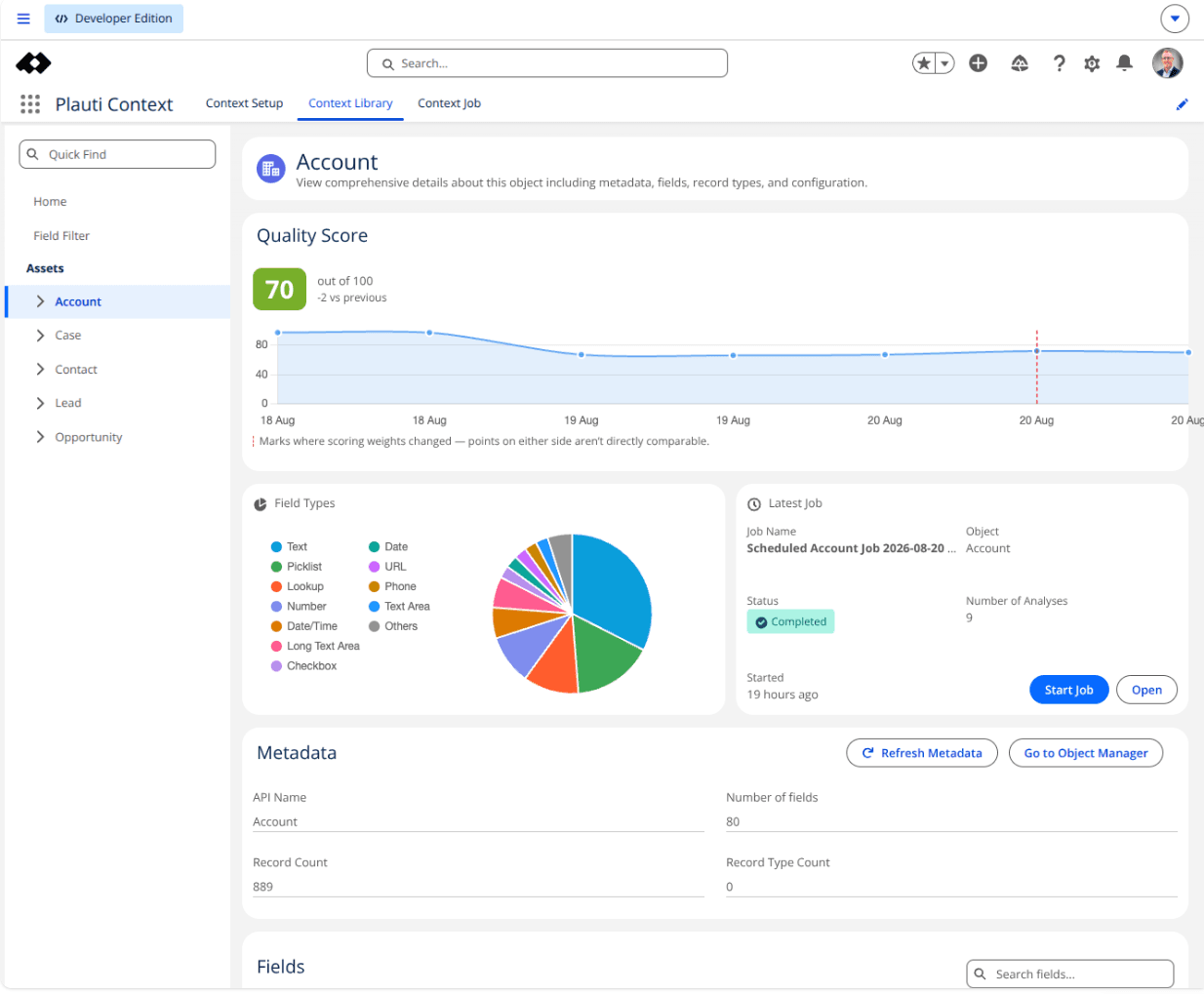
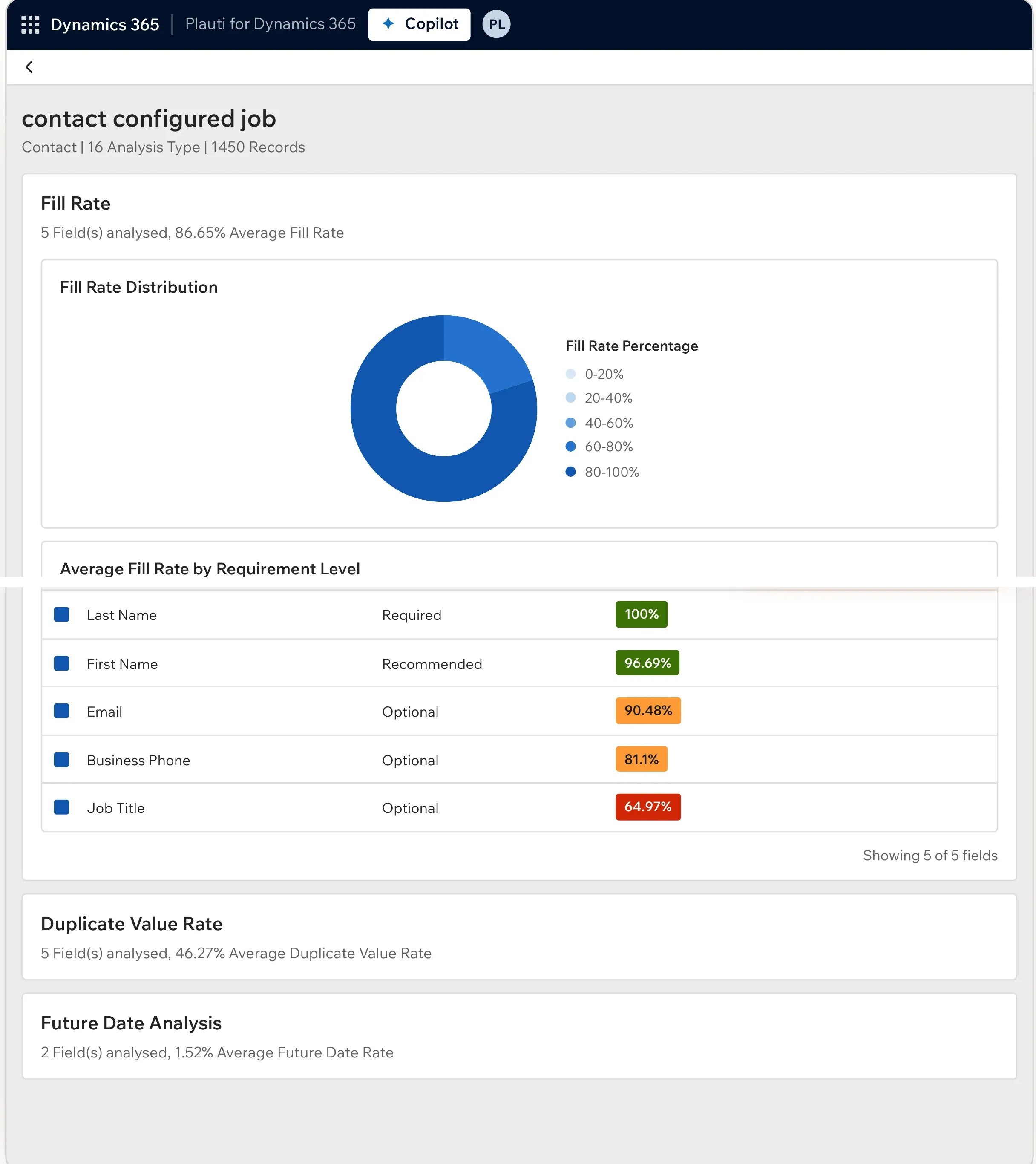
The outputs are ordinary fields, so coverage and error-rate dashboards live in your CRM's own report builder, no separate tool, no second data store.
Verification runs inside your own automations, and the same rules apply to web forms and portals, before that number ever becomes a record.
The four things admins check before running this on real data.
You choose which records and fields to check, and which checks run on each. Your existing profiles, permission sets, and sharing rules apply as they are.
Only the field being checked goes to a specialist partner. The result comes back and is written to the record.
One credit per phone number checked.
Jobs work through your existing records in batches, and can repeat on a schedule.
No. A validation rule checks that a field is filled in and looks roughly right. It cannot tell you whether a number actually dials. Verification checks that, on new records and existing ones.
The country code and the number itself, standardized into the format you choose.
Only the phone number being checked goes to a specialist partner for the check itself; the result is written straight back to the record.
Yes, batch jobs run over existing records, filtered however you choose, and can repeat on a schedule.
One credit per phone number checked, regardless of how the record came in.
Walk through it in a product tour with nothing to install, or book a demo and we'll show you how it fits your setup.